Gangnam Style AI trio

Gangnam Style AI Video Generator

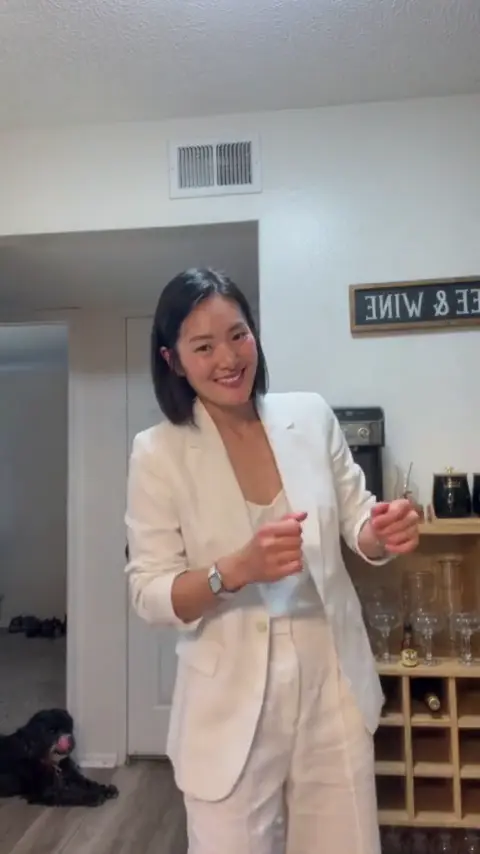
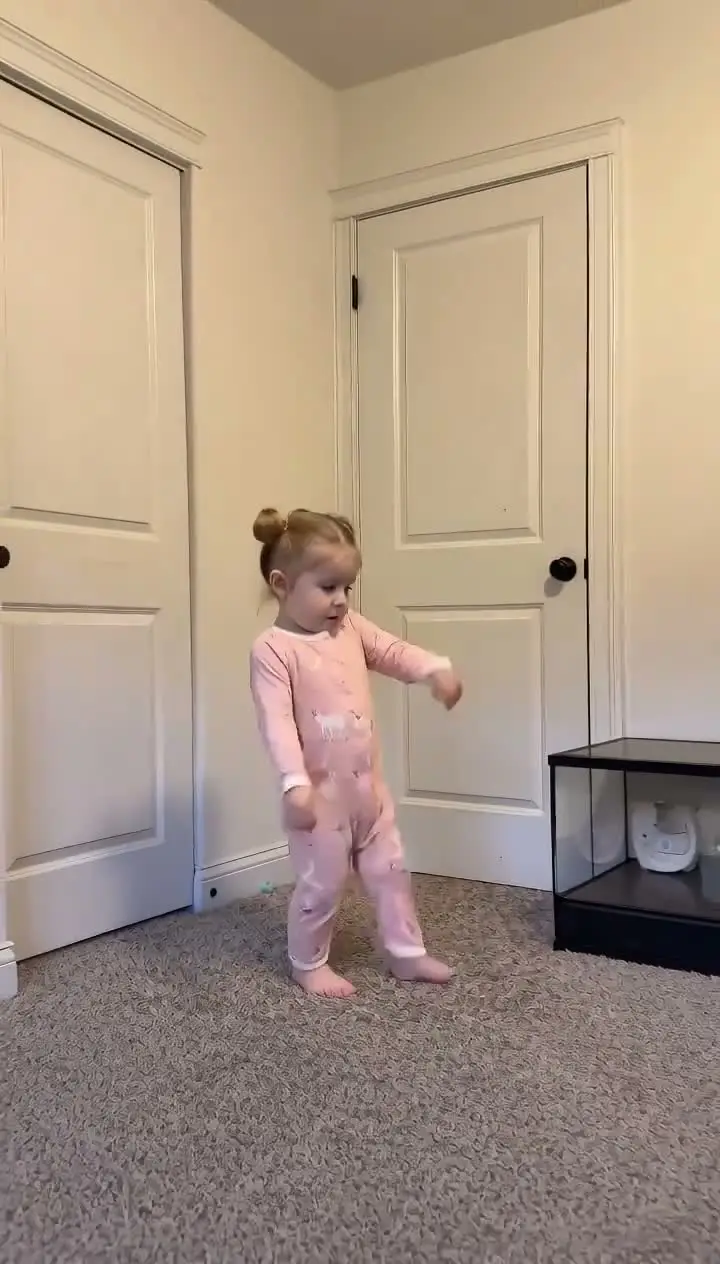
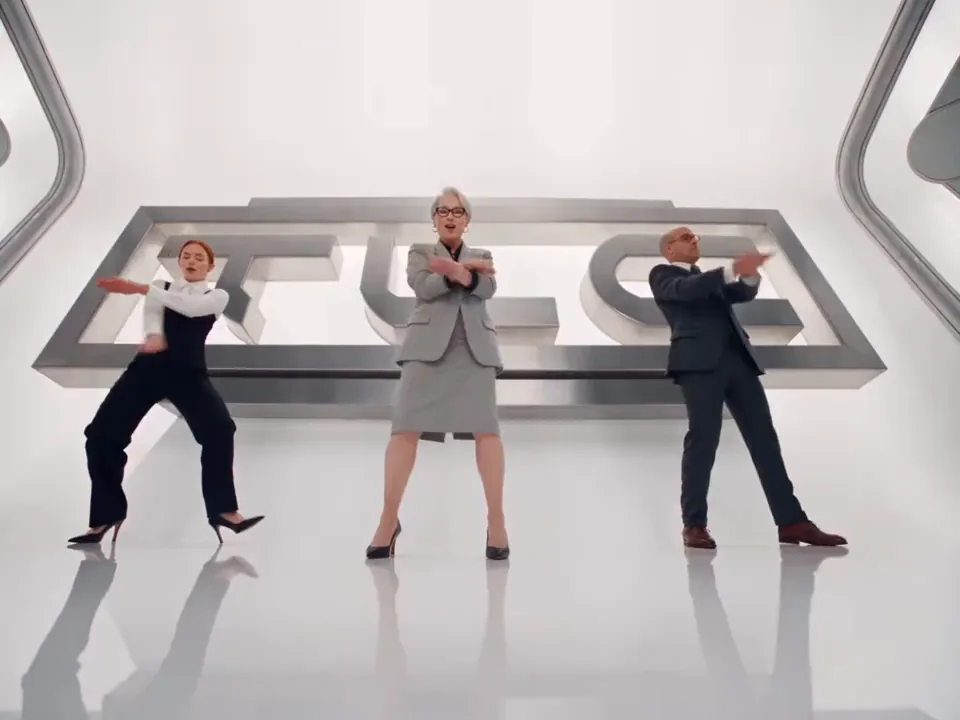
Turn three photos into a Gangnam Style AI trio clip with a fixed selfie dance, two hard cuts and your center photo as the scene.

Gangnam Style template
Make your Gangnam Style video

Upload 3 clear photos, choose the resolution, and the prepared template supplies the scene, camera and timing.

Template preview

The scene, camera and timing stay fixed.

16:9
3 photos
Center, left and right roles.
3 shots
Two hard cuts keep the selfie edit intact.
15 seconds
One fixed trio routine with audio included.

Gangnam Style AI template examples

A prepared pass on the fixed scene. The room, camera and timing stay in place; the performer comes from the photo.

Example 1

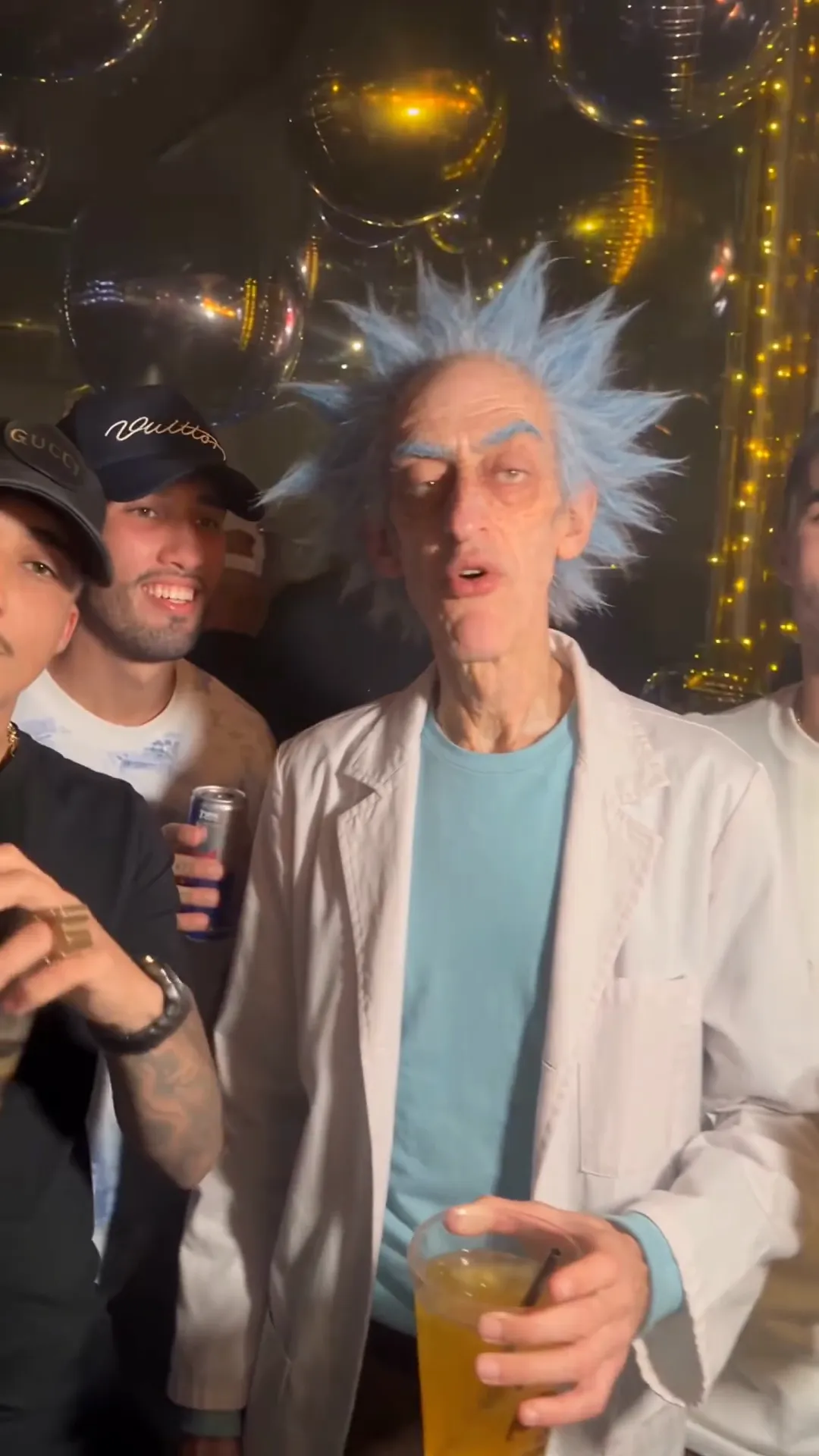
The fixed three-shot trio template with the center photo background.

Gangnam Style AI guide

The history, the movement and the parts handled by the prepared template.

A trio selfie format

Gangnam Style AI turns a familiar group dance into a short selfie-style video. Three people share the frame, one performer leads from the center and the camera stays close enough to make the group feel like they are filming themselves.

The format depends on role clarity. The center performer is the visual lead, while the left and right friends remain visible as supporting characters. When those positions stay consistent, the viewer can read the trio immediately even though the people change from render to render.

This page uses three separate portraits so each role has a clear identity source. Upload order is center, left and right. The center photo also supplies the room and background used behind all three people.

The three shots

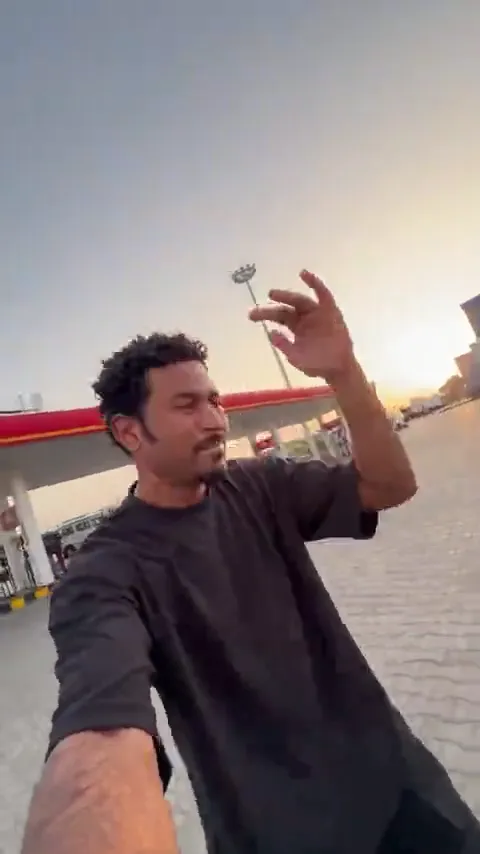
The prepared clip contains three camera setups and two hard cuts. The first shot runs from the opening to about eight seconds and keeps the center performer in the foreground. The left and right friends stay behind, visible but smaller.

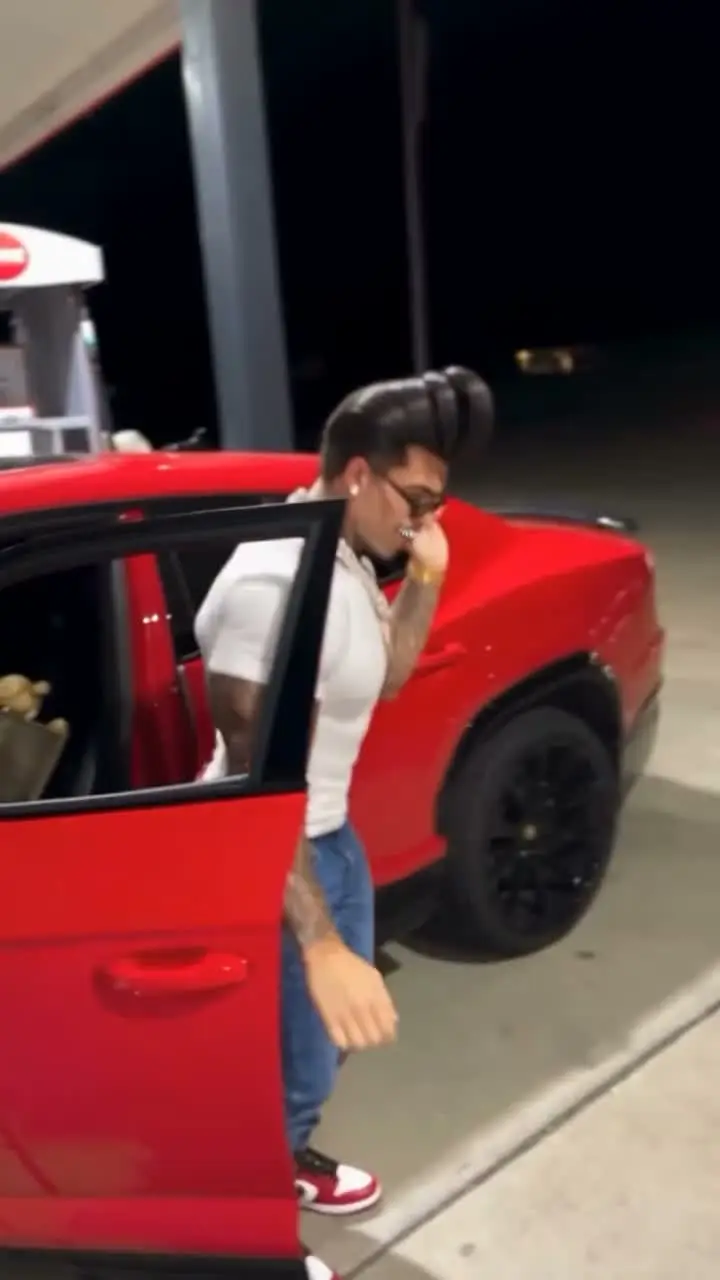
The second shot moves the right friend into the foreground for a short close-up. The center and left performers remain behind or fall out of focus. The final shot returns the center performer to the lead position for the closing gesture.

The timing is part of the template. The two cuts happen at fixed points, so the finished clip keeps the same selfie rhythm instead of becoming a slideshow or a collection of unrelated portraits.

What the template keeps fixed

The motion reference supplies the body movement, facial expression, mouth timing, camera drift and shot order. It does not supply the final identities or the room. Those come from the uploaded photos and the center image background.

The three uploaded portraits control the faces, hair, clothing and accessories of the center, left and right performers. A neutral full-body reference is prepared for each role so the model has a clearer view of body shape and clothing scale.

The background follows the center photo. That keeps the trio inside one coherent scene while the other two photos contribute identity and outfit rather than competing environments. The prompt explicitly prevents identity swaps and duplicated faces.

Photo order, output and audio

Use one clear portrait for each role. The center photo should show the person who will lead the selfie shots and should include the background you want behind the trio. The left and right photos should each show one person clearly, with the face and outfit easy to read.

The finished video is 15 seconds in a 16:9 landscape frame. Output is available at 480P, 720P and 1080P, with the credit cost shown before submission. The landscape frame matches the original three-shot edit and leaves room for the group composition.

The prepared soundtrack is merged back after the silent video render. The result is a finished file with the dance audio included, ready for preview and download before publishing.

Center, left and right

Upload order maps one photo to each role, and the prompt keeps those identities from swapping.

A fixed selfie edit

Three shots and two hard cuts come from the prepared motion reference rather than a timeline.

One shared background

The center photo supplies the room and lighting behind all three performers.

Audio included

The prepared soundtrack is merged back after generation so the final clip is ready to publish.

How the Gangnam Style AI template works

The template is the fixed part. Your photo is the only variable.

01

Upload three photos

Add the center lead first, then the left and right friends in that order.

02

Choose a resolution

Select 480P, 720P or 1080P after checking the credit cost shown in the generator.

03

Generate and download

The system prepares each body reference, creates the trio clip and returns the finished video with audio.

Gangnam Style AI questions

Common questions about the Gangnam Style AI trend and the template.

It is a three-photo video template that places a center performer and two friends inside a fixed selfie-style trio dance.

Make your own Gangnam Style AI clip

Upload a photo, choose the output, and let the prepared template carry the dance. No timeline and no prompt.

Try the Tool