Maior Lazer AI funk party

Maior Lazer AI Video Generator

Turn one photo into a Maior Lazer AI funk party clip with a fixed crowd, handheld camera and the party audio included.

Maior Lazer template
Make your Maior Lazer video

Upload 1 clear photo, choose the resolution, and the prepared template supplies the scene, camera and timing.

Template preview

The scene, camera and timing stay fixed.

9:16
1 photo
One clear portrait is the whole input.
10 seconds
One continuous party clip.
9:16
Vertical output with the party audio included.

Maior Lazer AI template examples

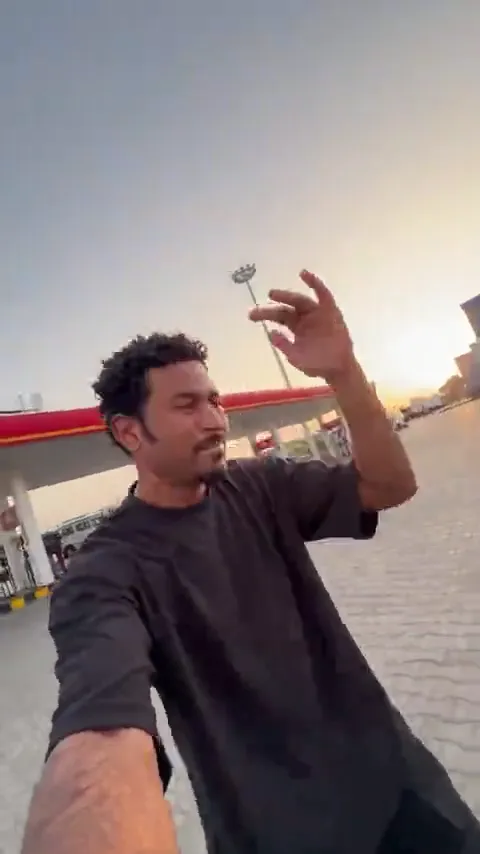
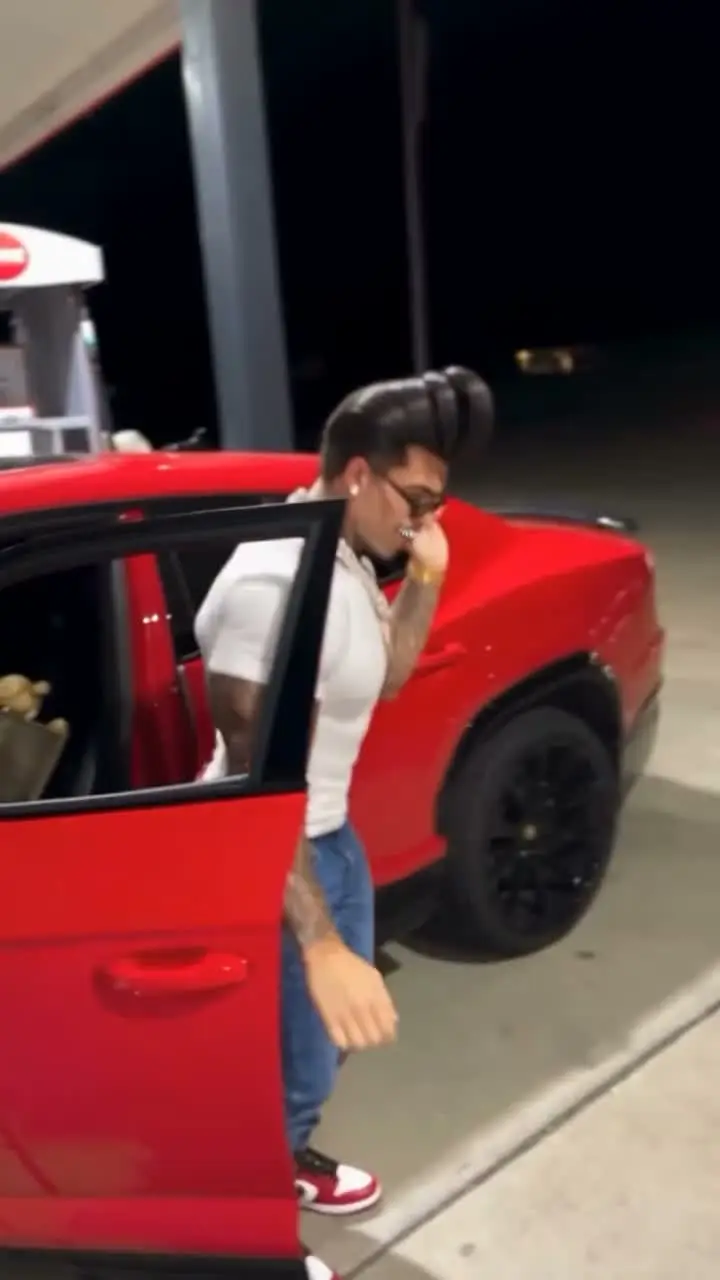
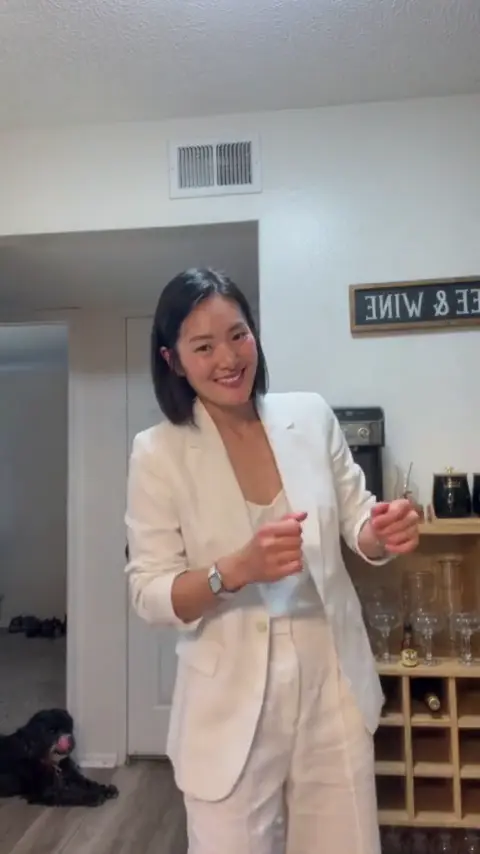
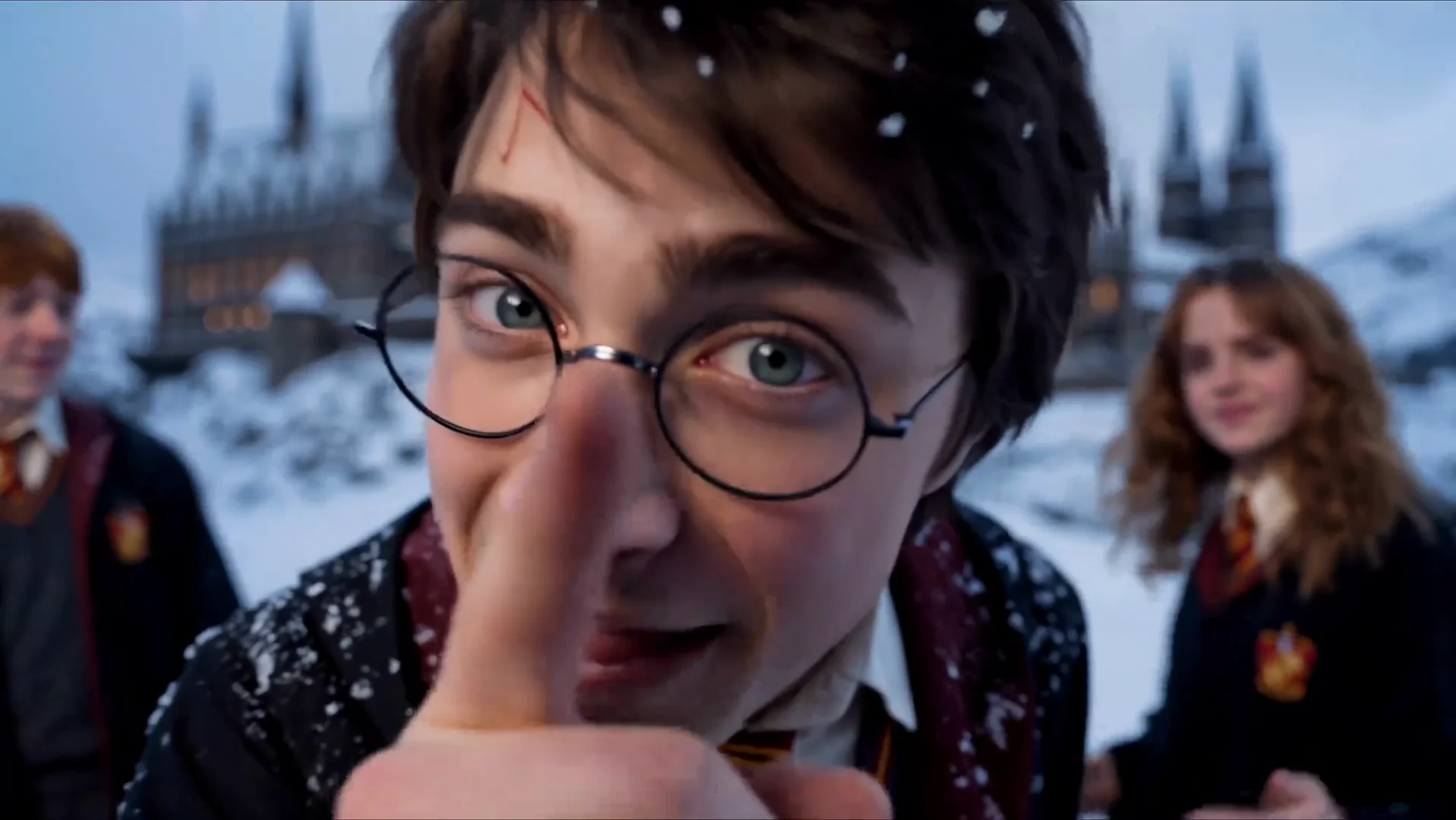
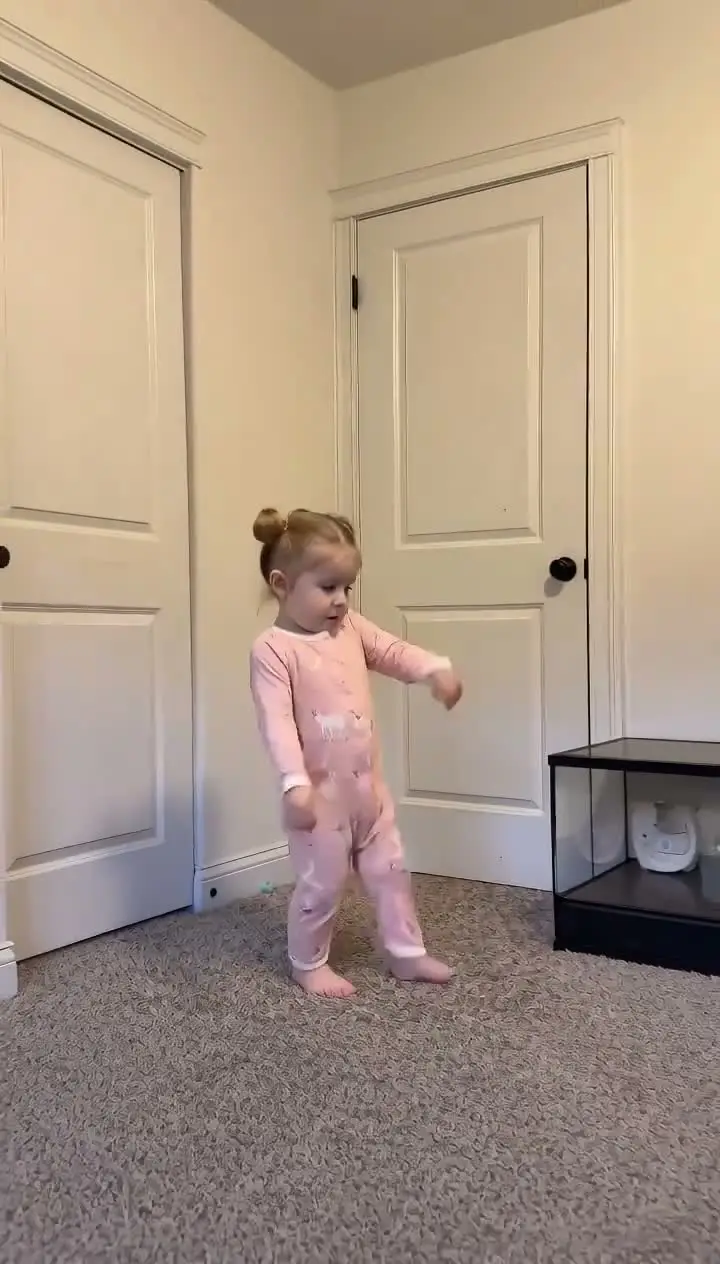
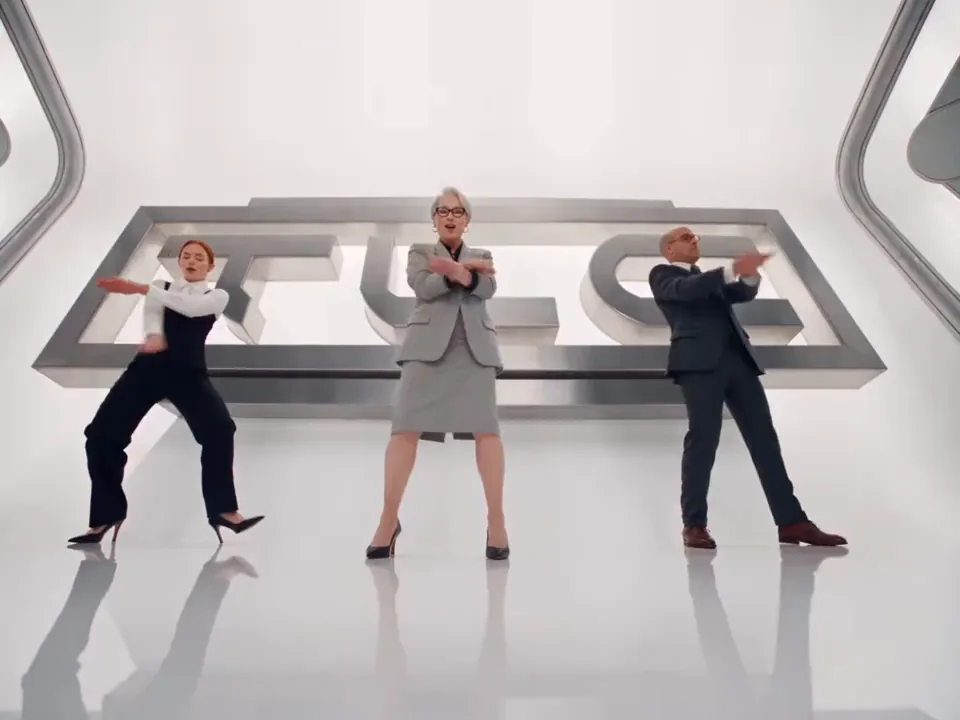
Two passes on the same prepared scene. The room, camera and timing stay fixed; the performers come from the photos.

Example 1

The prepared party scene with the fixed crowd, lighting and camera move.

Maior Lazer AI guide

The history, the movement and the parts handled by the prepared template.

The party scene

Maior Lazer AI uses a crowded Brazilian funk party as its fixed stage. The room is packed, the lighting moves between warm amber and magenta, and the camera performs a slow handheld push toward the person in the middle of the dance floor. The person remains the focal point while the guests around them continue dancing.

The result is built around one recognizable promise: you become the main character in the middle of the party. The clip does not ask you to film a venue, recruit a crowd or learn a complicated dance. It supplies the environment and timing, then uses a photo to place a new performer inside the scene.

That setup separates Maior Lazer AI from a generic photo animation. The motion is specific to the party clip: the camera drifts forward, the crowd keeps moving, and the performer lip-syncs and gestures on the beat. Those details are what make the short video read as part of the trend.

Why the trend travels

The visual joke is immediate. A packed party already has energy, and the person closest to the camera appears to own the room. Viewers can understand the format without reading a caption or following a long setup, which makes the clip suitable for TikTok, Reels and Shorts.

The Brazilian funk context also gives the scene its rhythm. The soundtrack drives the cuts in the performer’s expression and movement, so the clip feels connected to a real party rather than a staged studio pose. The template keeps that connection by returning the original audio with the finished video.

The format is easy to remix because the identity is the variable. One upload can put a different person into the same crowd, lighting and camera move. The shared scene stays familiar while the face, hair and outfit change from render to render.

What the template keeps fixed

The prepared clip owns the party room, the guests, the lighting, the handheld camera and the rhythm. Those elements do not need to be described in a prompt or rebuilt in an editing timeline. The template already contains them, and the generator sends that video as the motion reference.

The upload controls the new performer’s identity. The face, hair, skin tone, clothing and accessories should follow the photo rather than the original performer. Before the video job runs, the generator also prepares a neutral full-body reference so the model has a clearer view of body shape and clothing.

The crowd is deliberately not part of the replacement task. Other guests stay in place, keep their original motion and remain in the background. That distinction matters because the scene is busy; the model has to replace one main performer without treating every person on the dance floor as another character.

Photo, output and audio

A front-facing portrait with even light works best. The face should be large enough to read, and the subject should not be hidden by sunglasses, a mask or another person. A clear single-person photo gives the model a cleaner identity source than a group image or a heavily filtered close-up.

The finished render is a 10-second vertical clip in 9:16. The page offers 480P, 720P and 1080P output, with the credit cost shown before submission. The scene stays vertical because the party composition, crowd placement and camera move were designed for a phone-shaped frame.

The funk soundtrack is included in the final file. The generator creates the video without audio and merges the template track back afterwards, so the mouth movement and gesture timing remain tied to the party beat. You can preview the result with sound or muted before downloading it.

One clear subject

The uploaded photo supplies the face, hair, clothing and accessories for the main performer.

The crowd stays intact

Guests around the performer keep their original positions and movement instead of becoming extra cast members.

The camera carries the motion

The slow handheld push, party lighting and continuous shot come from the prepared template.

Audio arrives with the clip

The funk soundtrack is merged back after generation, so the final video is ready for short-form publishing.

How the Maior Lazer AI template works

The template is the fixed part. Your photo is the only variable.

01

Upload one photo

Choose a clear portrait with one visible subject and enough facial detail for the identity replacement.

02

Choose a resolution

Select 480P, 720P or 1080P after checking the credit cost shown in the generator.

03

Generate and download

The system prepares the full-body reference, creates the party clip and returns the finished video with audio.

Maior Lazer AI questions

Common questions about the Maior Lazer AI trend and the template.

It is a one-photo video template that places a new performer in the middle of a prepared Brazilian funk party scene.

Make your own Maior Lazer AI clip

Upload a photo, choose the output, and let the prepared template carry the dance. No timeline and no prompt.

Try the Tool