No Scrubs AI white-studio trio

No Scrubs AI Video Generator

Turn three photos into a center, left and right dancer inside a prepared white-studio routine with fixed camera cuts.

No Scrubs AI template
Make your No Scrubs AI video

Upload 3 clear photos, choose the resolution, and the prepared template supplies the scene, camera and timing.

Template preview

The scene, camera and timing stay fixed.

4:3
3 photos
One clear photo for each dancer position.
23 seconds
The complete prepared studio routine.
4:3
The landscape frame of the source template.

No Scrubs AI template examples

A prepared pass on the fixed scene. The room, camera and timing stay in place; the performer comes from the photo.

Example 1

The prepared 4:3 studio routine with center, left and right dancer roles.

No Scrubs AI guide

The history, the movement and the parts handled by the prepared template.

The white-studio trio

The No Scrubs AI template is built around a very specific visual setting: three performers move through a bright white studio with a reflective floor, oversized brushed-metal letterforms and curved silver frames. The camera stays close enough to keep the choreography readable, then opens into wider group shots before returning to the lead dancer for the final pose.

This is not a free-form text-to-video tool. The scene, timing and shot order already exist. Your three photos cast the people who appear inside that prepared sequence, while the studio, lighting, camera movement and edit remain consistent from one generation to the next.

The result runs for 23 seconds in a 4:3 landscape frame. The output is intended for short-form feeds, edits and fan-style trend videos, but it should still be labeled as AI-generated where required. The page is an independent template experience and does not imply endorsement by any artist, label or platform.

Center, left and right roles

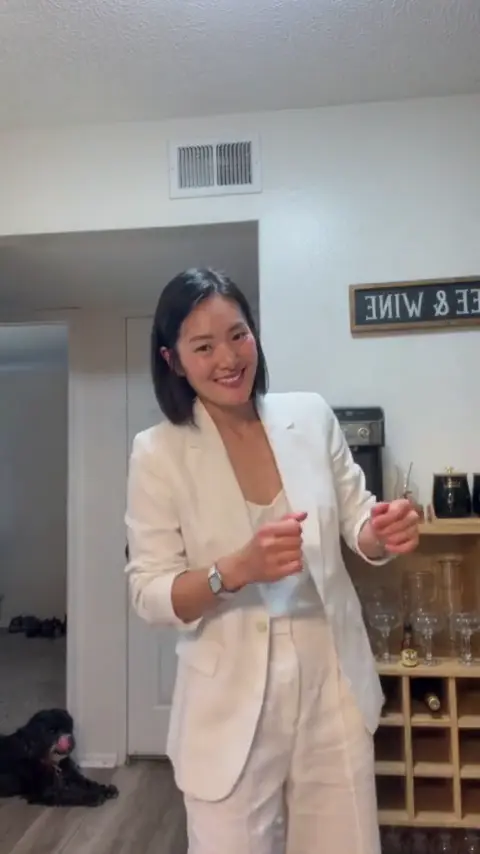
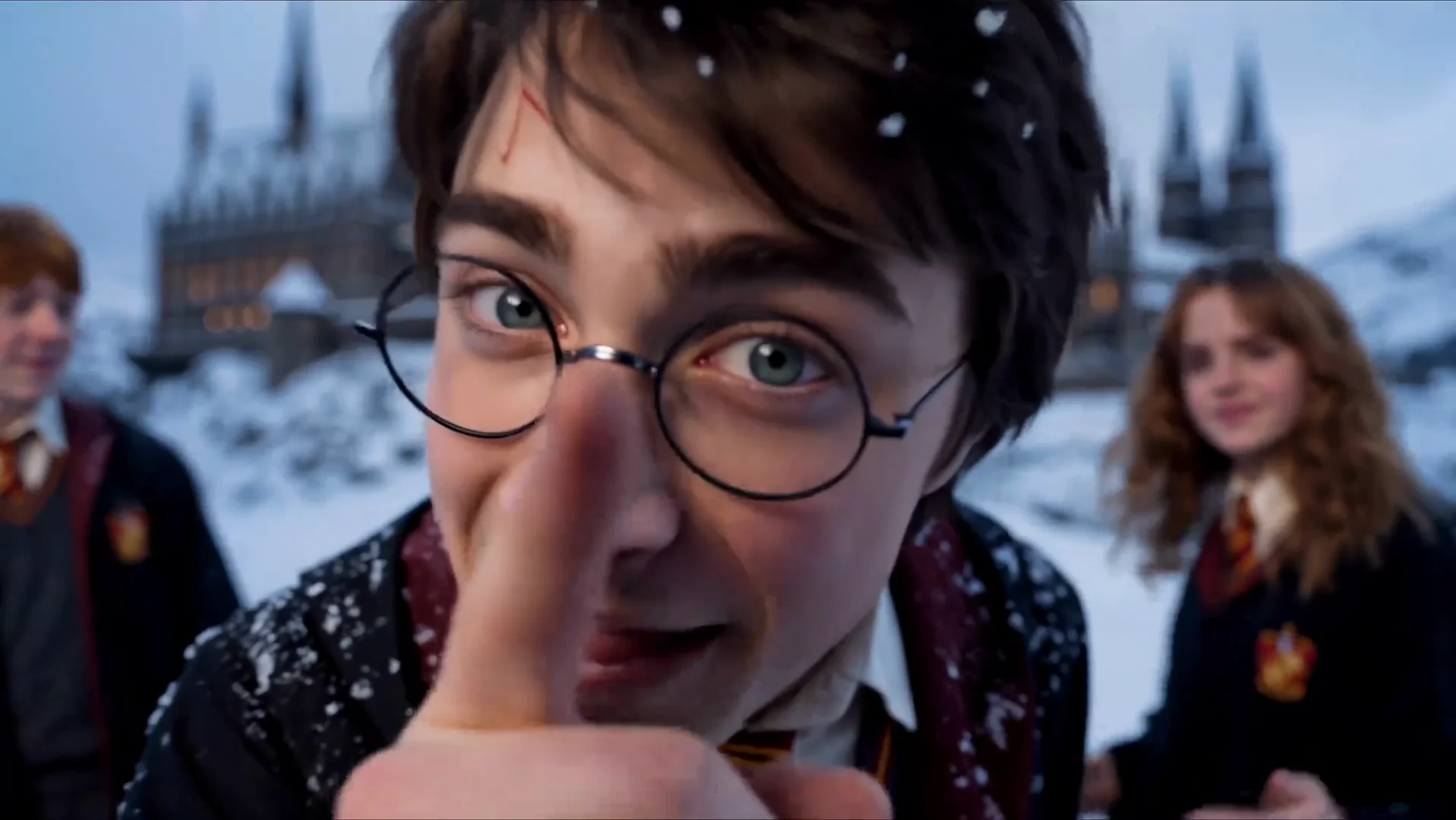
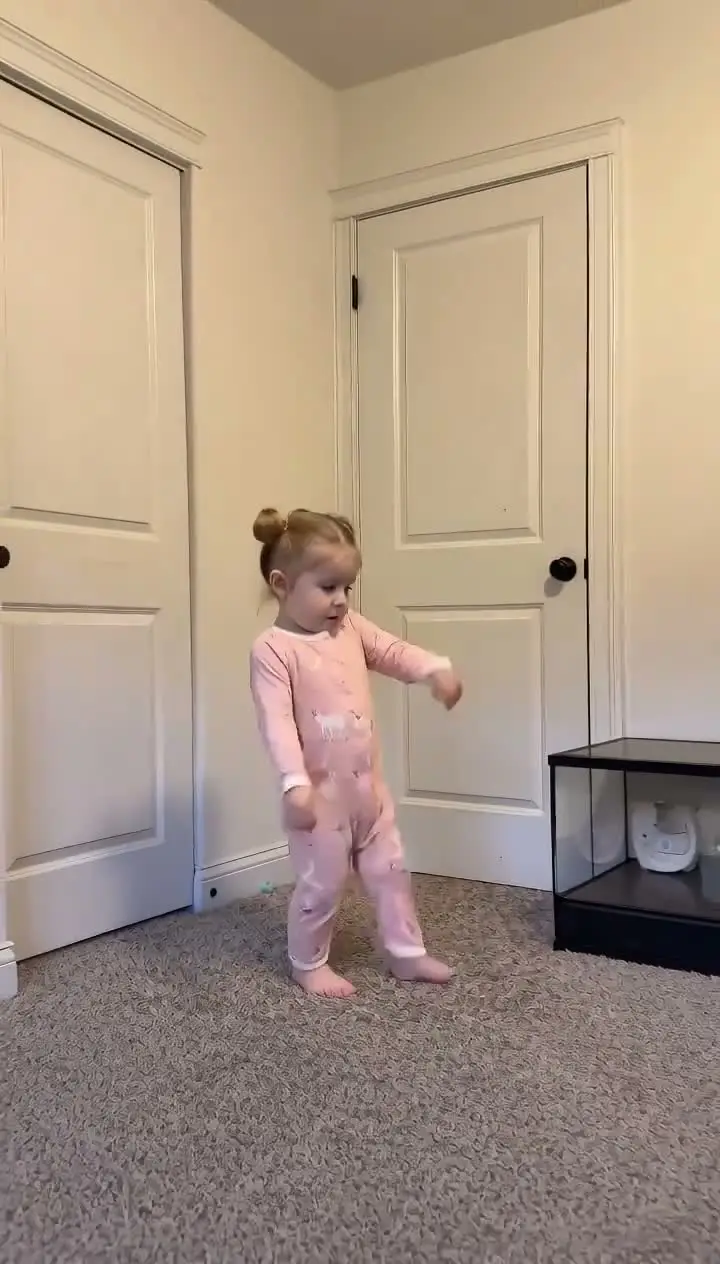
Each slot has a clear performance brief. The middle performer opens in close-up, joins the pointing beat and returns between the upright beams for the closing pose. The left-hand performer moves with the wider group and gets a short reach toward camera. The right-hand performer later advances toward the lens with both arms open, then settles into an extended portrait.

Upload one person for each role, in the fixed order shown by the generator. Do not combine several people in one photo and do not reuse the same image across two positions. Each upload supplies one identity, one face, one hairstyle and one outfit for that specific part of the routine.

A clear front-facing photo works best. The face should be easy to read, the clothing should be visible and nothing should cover the eyes or mouth. Avoid tiny faces, heavy filters, group photos and images where another person competes for attention. Use only photos of yourself or consenting adults with permission to create and publish the synthetic video.

What stays fixed

The template controls the choreography, pacing, camera cuts, close-ups and group formations. It also keeps the high-key studio walls, glossy floor, metal sculpture, chrome portal frames and circular pedestal in place. Your images change the cast rather than the scene.

The routine includes a lead close-up, a full trio formation, a foreground movement from the right dancer, group arm raises, side-to-side hip steps, an overhead insert, profile views and a final pose. Those beats are part of the prepared video reference. They are not improvised by the upload and they do not change based on the background in your source photos.

Before rendering, the service derives a second, full-length guide from every supplied portrait. The original image anchors facial likeness and outfit details; the expanded view gives the wide compositions a more stable sense of height, footwear and outline. Neither guide can drift into another dancer’s slot.

Output, audio and publication

The generator offers 720P and 1080P output, with the required credits visible before submission. The finished clip is 23 seconds long and uses the prepared template audio. Technical failures are refunded automatically, and a completed generation that follows the published template is not rejected solely because the performance style is not to someone’s personal taste.

Preview the result with sound enabled and check the faces, clothing, hands and group composition before downloading. If a source photo is unclear or the wrong person was assigned to a role, replace that image and generate again rather than reusing a weak result.

Follow the disclosure rules that apply on the platform where you publish, and make clear that the clip is synthetic. Do not present it as real footage or suggest that the people were together in a physical studio. Do not imply that the clip is official, sponsored or connected to the original performers or music rights holders.

Why the prepared template works

A recognizable dance edit depends on more than the people in the frame. It depends on the timing of each hard cut, the size of each close-up, the direction of the group movement and the moment the final pose lands. Rebuilding those decisions from a prompt would create a new edit on every run, which makes it difficult to maintain the visual identity of the trend.

Casting fixed center, left and right roles solves that problem. The uploaded identities are substituted into a scene that already knows where each person belongs. The resulting video can still vary in small details, but the structure remains recognizable because the camera and choreography do not need to be reinvented.

This also makes photo quality more important than prompt writing. Users do not need to describe lighting, camera angles or dance steps. They need three usable photos, the correct role order and enough credits for the selected resolution. The generator handles the rest of the prepared production flow.

Three separate identities

Center, left and right are individual roles. Each slot accepts one person and keeps that identity tied to the same position.

Prepared studio scene

The white room, reflective floor, metal sculpture and silver frames come from the template, not from the uploaded photos.

Fixed camera edit

Close-ups, group shots and the overhead insert follow a prepared sequence instead of a newly invented camera plan.

Template audio included

The prepared audio is merged back after generation so the final file is ready to preview and publish.

How the No Scrubs AI template works

The template is the fixed part. Your photo is the only variable.

01

Upload three photos

Add the center dancer first, then one left dancer and one right dancer. Use a clear, front-facing image in each slot.

02

Choose a resolution

Select 720P or 1080P after checking the credit cost shown in the generator.

03

Generate and review

The system prepares full-body references, creates the 23-second trio clip and merges the prepared template audio.

No Scrubs AI questions

Common questions about the No Scrubs AI trend and the template.

It is a three-photo template that casts a center, left and right dancer inside a prepared white-studio routine.

Make your own No Scrubs AI clip

Upload a photo, choose the output, and let the prepared template carry the dance. No timeline and no prompt.

Try the Tool