

Two-photo elevator conversation

I Love The Smiths AI Video Generator

Turn two photos into the I Love The Smiths elevator scene. Choose a 15-second conversation or the complete 25-second cut with the door reveal and solo ending.

I Love The Smiths AI template
Make your I Love The Smiths AI video

Upload 2 clear photos, choose the resolution, and the prepared template supplies the scene, camera and timing.

Template preview

The scene, camera and timing stay fixed.

16:9
2 photos
One listener on the left and one speaker on the right.
15 or 25 seconds
Choose the opening conversation or the complete scene.
16:9
A cinematic landscape frame for the prepared scene.

I Love The Smiths AI template examples

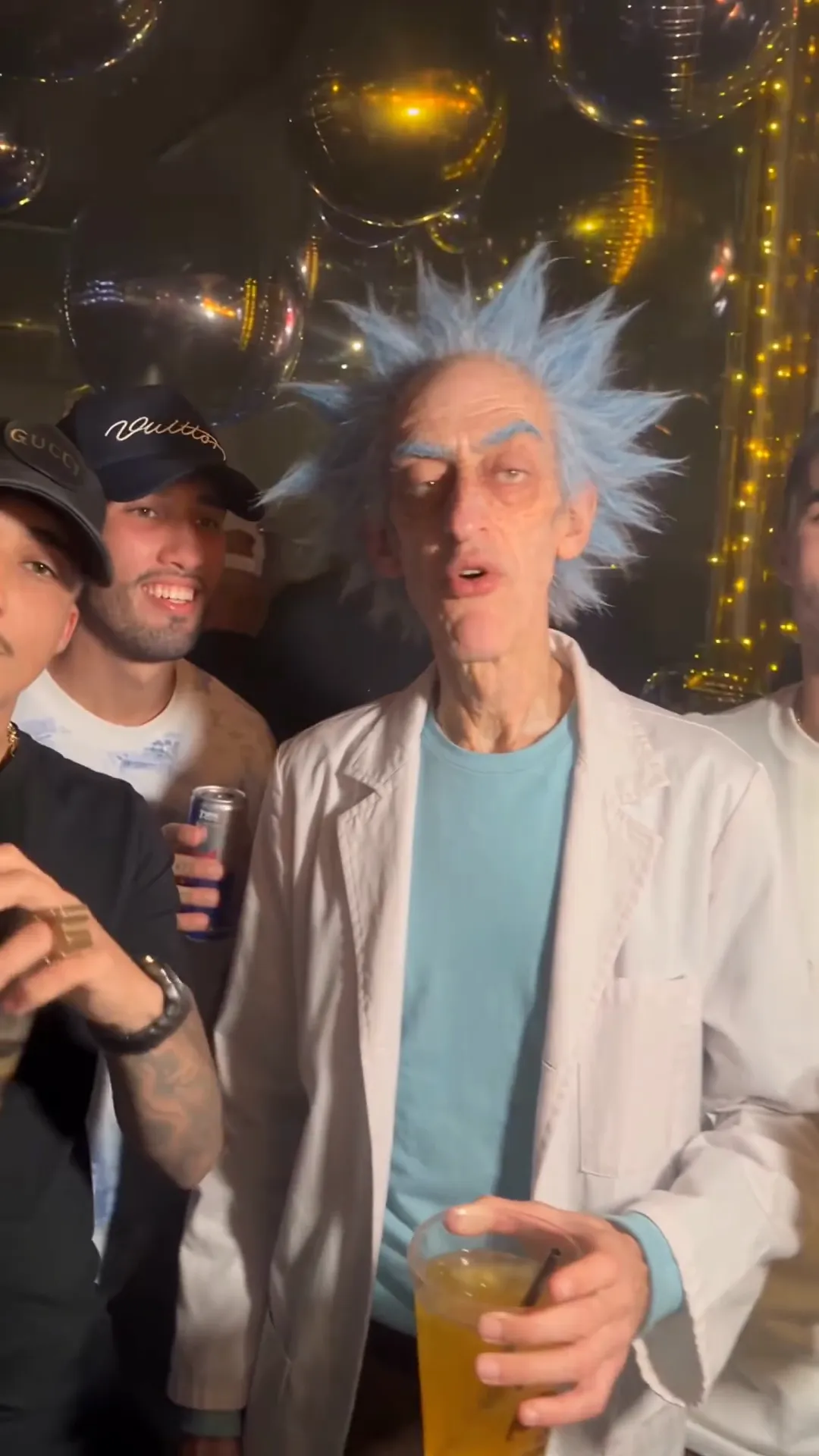
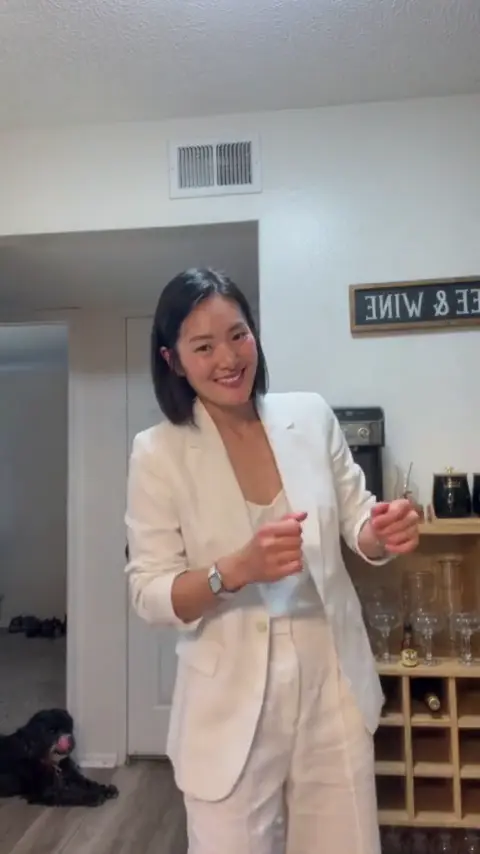
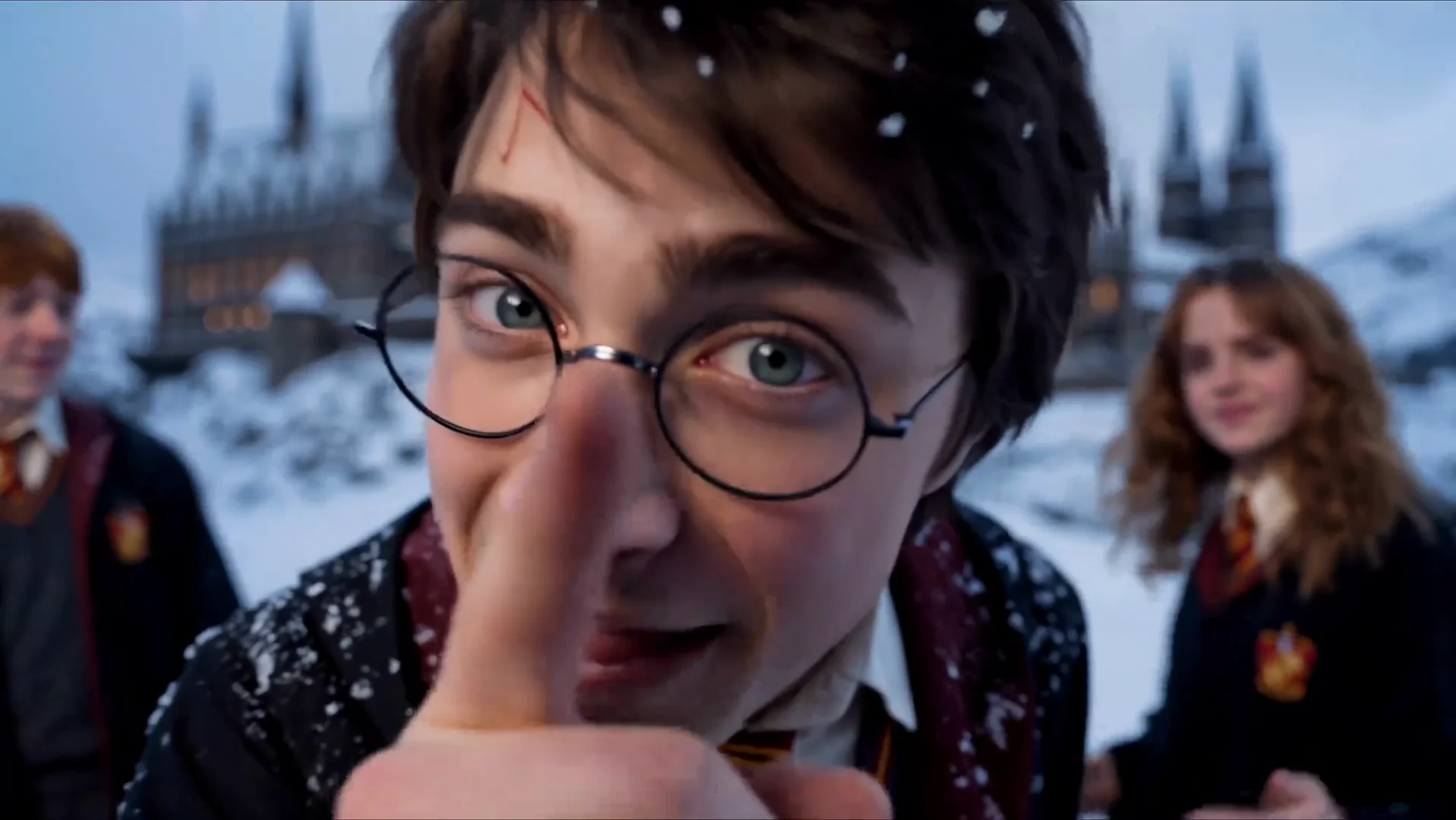
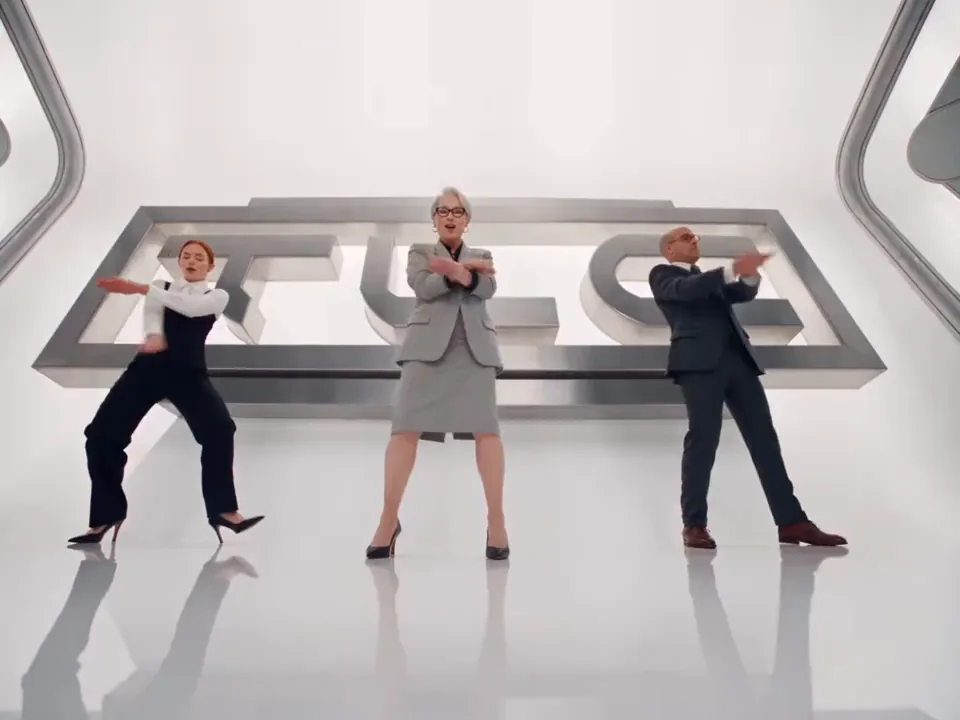
Two passes on the same prepared scene. The room, camera and timing stay fixed; the performers come from the photos.

Example 1

A complete prepared pass with the headphone reveal, elevator conversation and final solo ending.

I Love The Smiths AI guide

The history, the movement and the parts handled by the prepared template.

The I Love The Smiths elevator scene

The I Love The Smiths elevator scene presents a small two-person exchange inside a warm, cinematic lift. The person on the left wears over-ear headphones, lowers them around the neck and remains inside at the end. The person on the right starts the conversation, smiles through most of the exchange and walks out after the doors open.

The format is also associated with the 500 Days of Summer I Love the Smiths moment, the headphone conversation and the wider I Love the Smiths meme. This page offers an independent AI video generator built from two authorized portraits. It does not use the original performers as the final cast and does not claim an official film or band connection.

The elevator, shot order, body orientation and dialogue timing come from the prepared video reference. The two uploads determine the identities in the frame. Clothing, hairstyle, facial features and body proportions follow each portrait instead of the actors seen in the source clip.

15-second opening and 25-second complete cut

The 15-second option stays inside the elevator for one continuous close two-shot. It covers the headphone removal, the speaker-led conversation and the listener response. This cut is produced at 720P and costs 100 credits.

The 25-second version keeps that opening exchange, then hard-cuts to the hallway as the metal doors open. The speaker exits toward frame right and the listener stays alone inside. The complete cut is available at 720P for 300 credits or 1080P for 600 credits.

Both versions use the same two-role cast and the same 16:9 frame. Only the duration, model, prepared reference clip and output pricing change. The exact cost is always displayed before a paid task starts.

Two photos become two identity sheets

Upload the headphone listener first, then the conversation starter. Use one clear photo for each consenting adult. A readable face, visible clothing and enough body detail will help both the close conversation and the wider door shot.

Before the video starts, each upload becomes one identity sheet. The sheet contains a front-facing full-body view plus two head-and-shoulders close-ups. That combination preserves clothing and proportions while giving the model more facial information for the dialogue close-up.

The source photos are not added as extra cast members. If identity-sheet preparation fails, the service falls back to the two original uploads. Only use photos of yourself or adults who have agreed to the likeness use. Do not upload children, celebrities or public figures.

Audio, output and publication

Both durations return a silent generated video that is paired with the matching prepared template audio. The final file therefore keeps the conversation timing of the chosen cut without asking the user to upload a soundtrack or write dialogue.

Preview the result with sound enabled and check both faces before downloading. Give extra attention to the headphone gesture, the speaker lip-sync, the 25-second hard cut and the final solo beat. If a role was placed in the wrong slot or a portrait is unclear, replace that photo and generate again.

Publish only when both adults have agreed to the likeness use. Label the video as synthetic where the platform or local rules require it. Keep the output as an independent AI reinterpretation and do not present it as official footage or endorsed material.

Listener and speaker stay separate

The first upload stays on frame left and the second remains on frame right. Both durations keep the same role order.

Prepared elevator setting

The wood interior, metal doors, hallway, lighting and camera path come from the template instead of the uploaded photos.

Two prepared durations

The 15-second cut focuses on the close conversation. The 25-second version adds the hallway door reveal and solo finish.

Template audio included

The prepared audio is returned with the finished video after the visual generation is complete.

How the I Love The Smiths AI template works

The template is the fixed part. Your photo is the only variable.

01

Upload the two roles

Add the frame-left headphone listener first, then the frame-right conversation starter. Each slot needs one clear photo of a consenting adult.

02

Choose the cut and resolution

Pick the 15-second opening or the complete 25-second scene, then choose the available resolution and review the credit cost.

03

Generate and review

The service prepares one identity sheet per person, renders the selected duration and attaches the matching template audio.

I Love The Smiths AI questions

Common questions about the I Love The Smiths AI trend and the template.

It is a two-photo AI video template that places a listener and a speaker inside a prepared elevator conversation with a headphone reveal and door-and-exit ending.

Make your own I Love The Smiths AI clip

Upload your photos, choose the output, and let the prepared template handle the scene. No timeline and no prompt.

Try the Tool