1 HD VideoRecommended
100 credits
$7.90
$7.90 per video
100 credits: 1 video at 720P
Enough for 1 video at 720P for 13 seconds.
Credits never expire. Failed generations refund unused credits.
Upload one clear portrait to recreate the viral nicole kidman dance routine inside a warm sunlit studio with zero hard cuts and natural facial expression.
Upload 1 clear photo, choose the resolution, and the prepared template supplies the scene, camera and timing.
The scene, camera and timing stay fixed.
Each one is a prepared scene with its own upload flow.
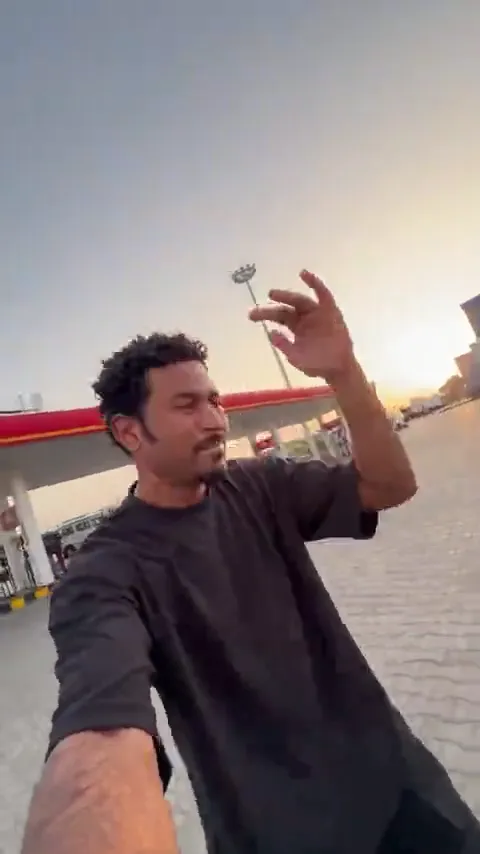 Gas Station DanceGas Station Dance AI
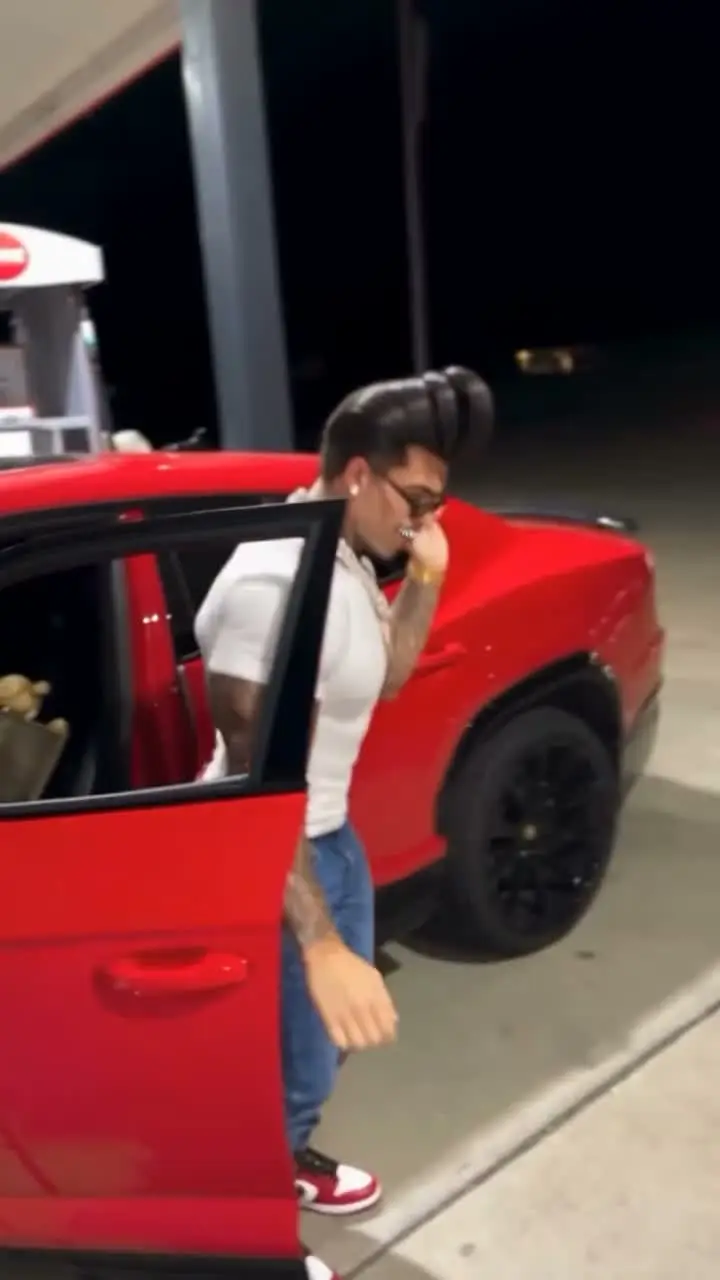 Mop Dance AIMop Dance AI
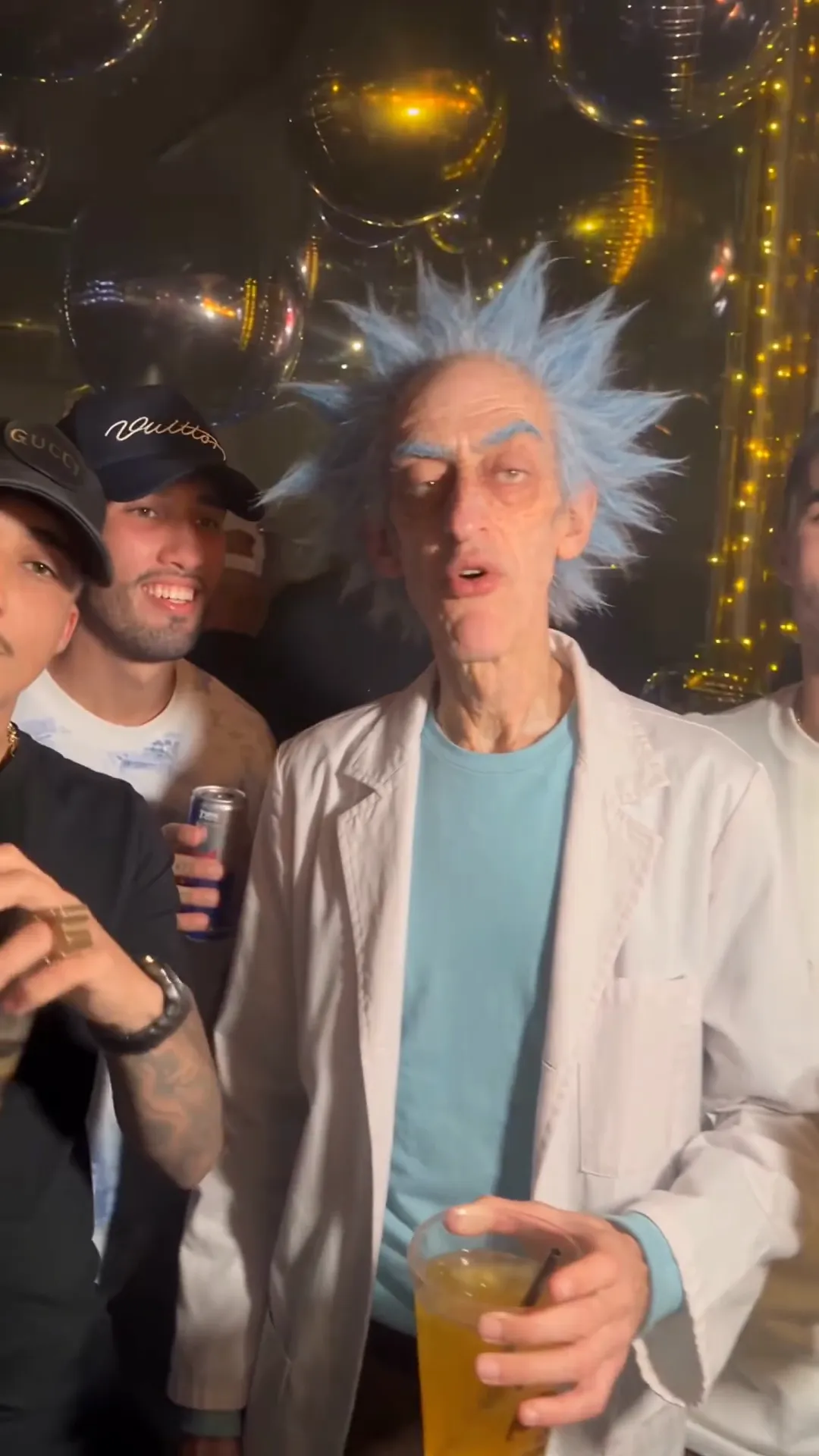 Maior Lazer AIMaior Lazer AI funk party
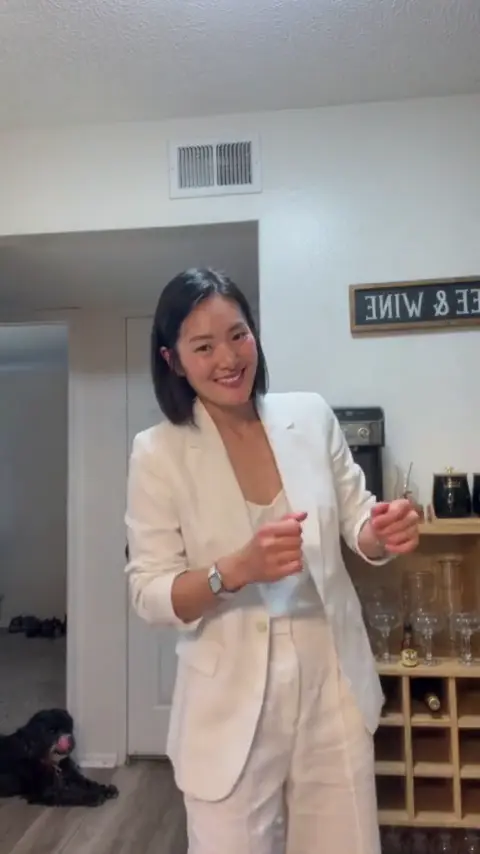 Dame Hombro AIDame Hombro AI shoulder dance
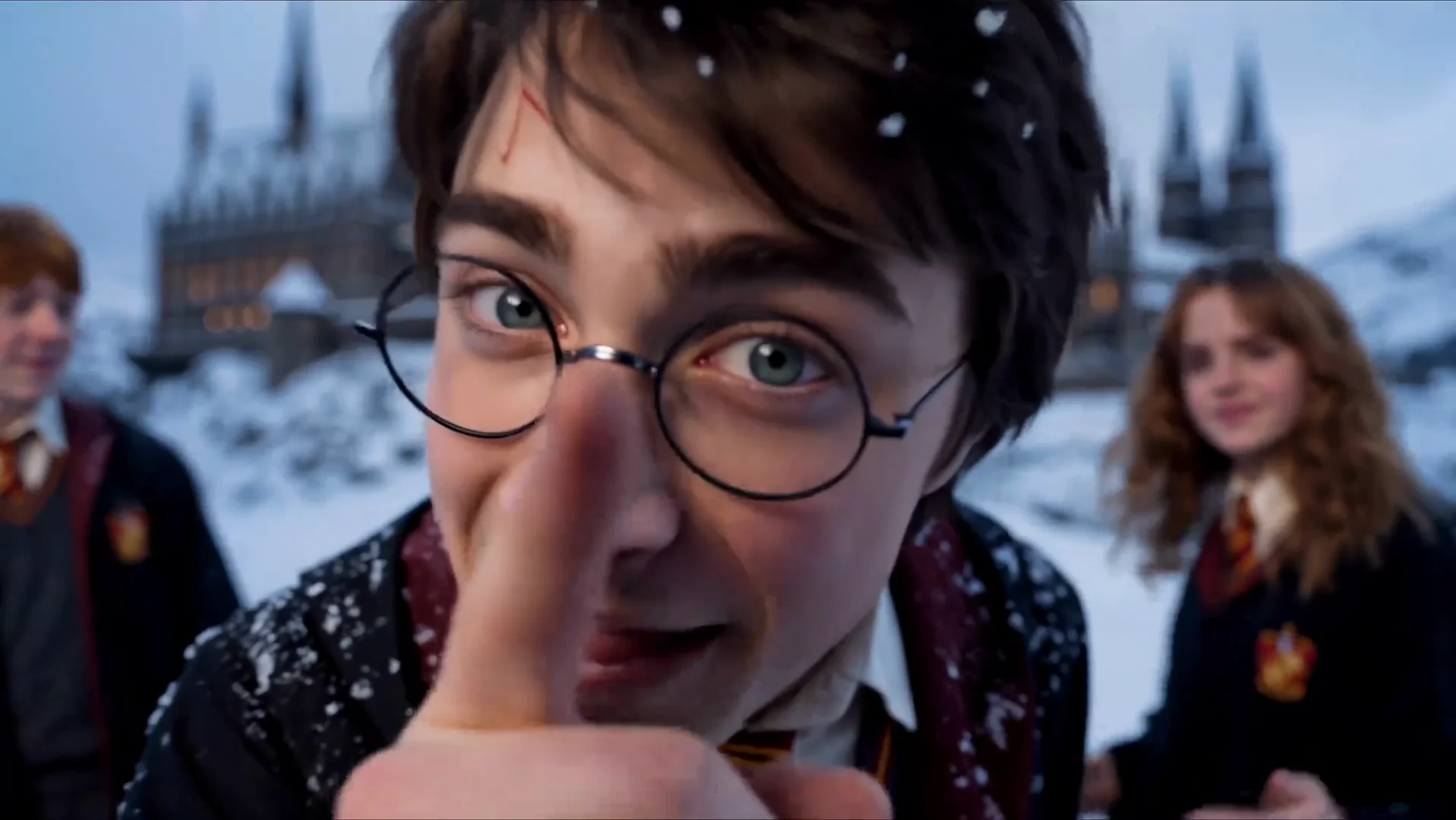 Gangnam Style AIGangnam Style AI trio
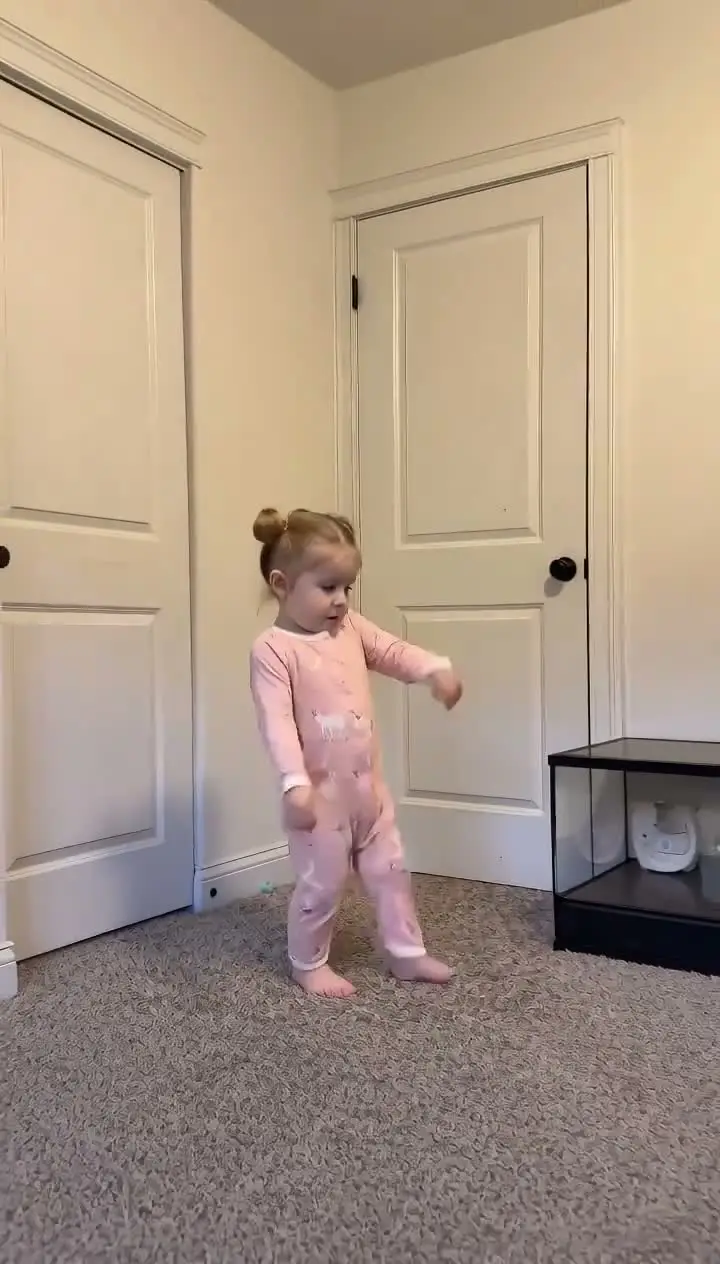 Toc Toc DanceToc Toc Dance AI
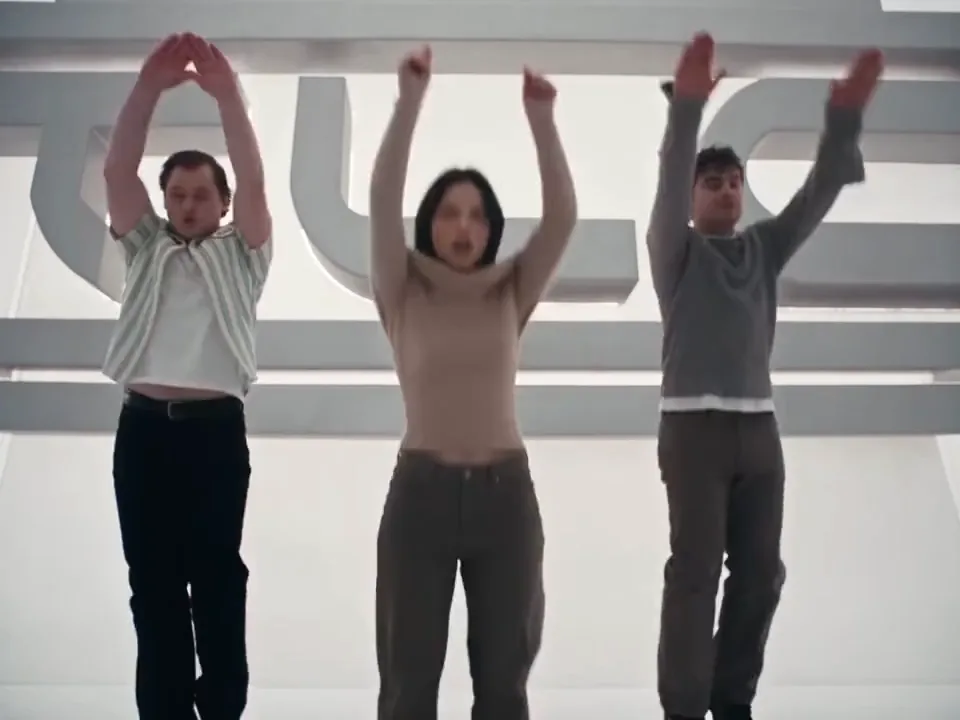 No Scrubs AINo Scrubs AI white-studio trio
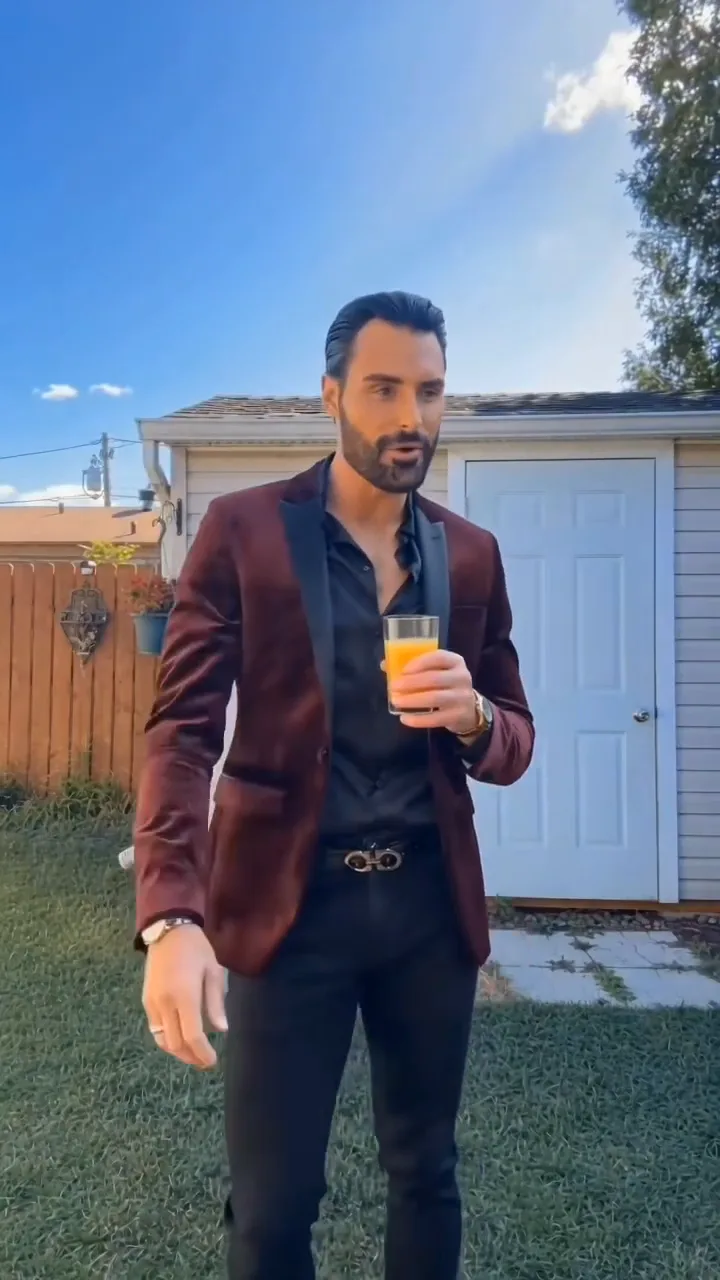 Jawn Dance AITwo-template dance generator
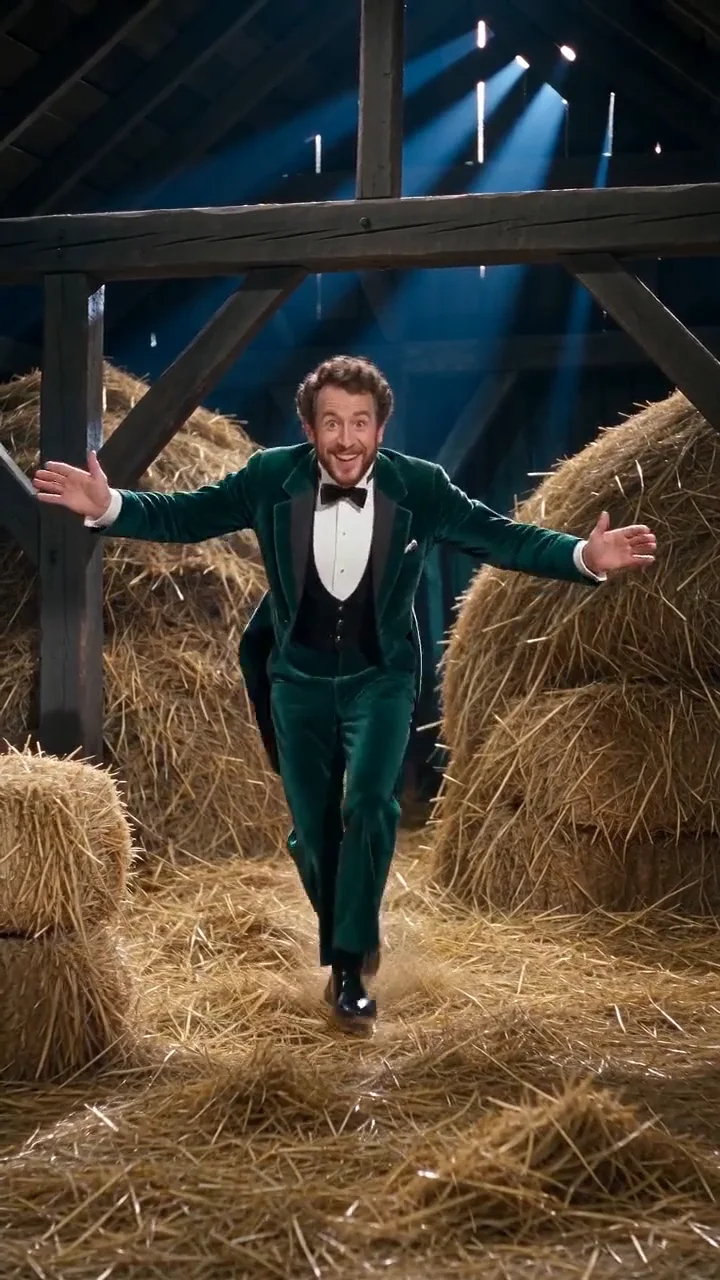 Rumpelstiltskin Dance AIRumpelstiltskin tip-toe template
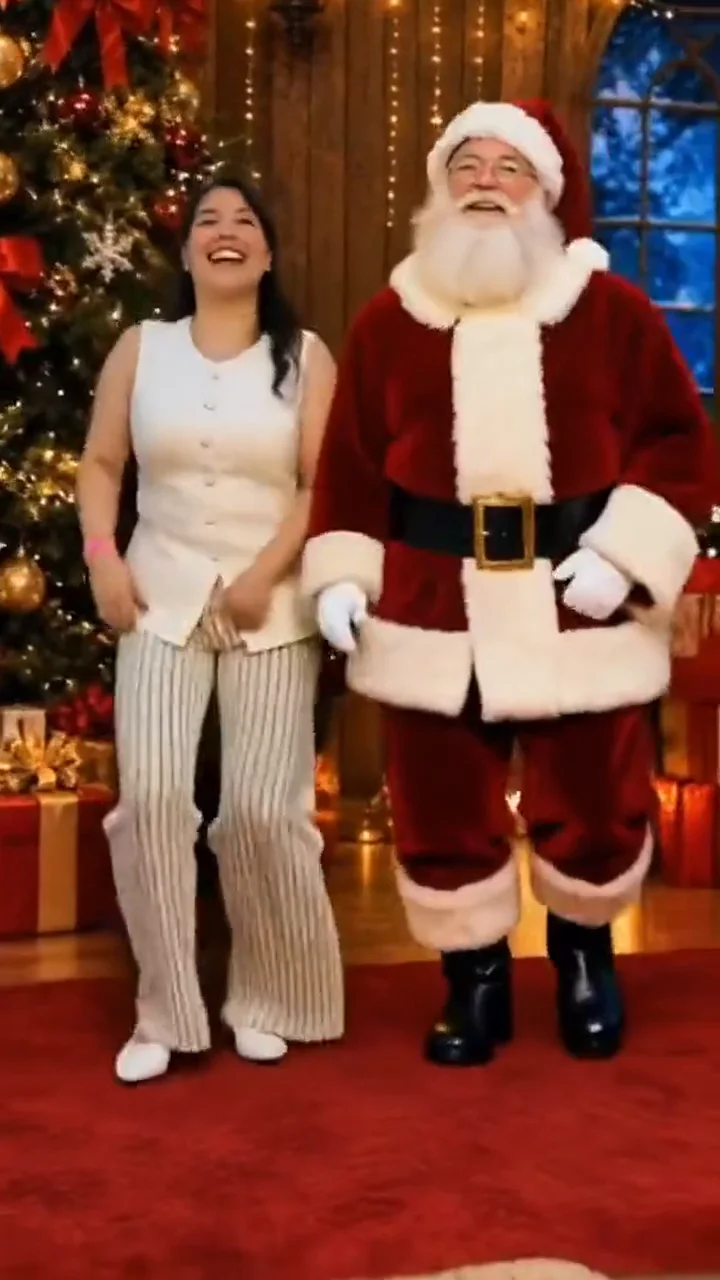 Dance With Santa AIHoliday duet template
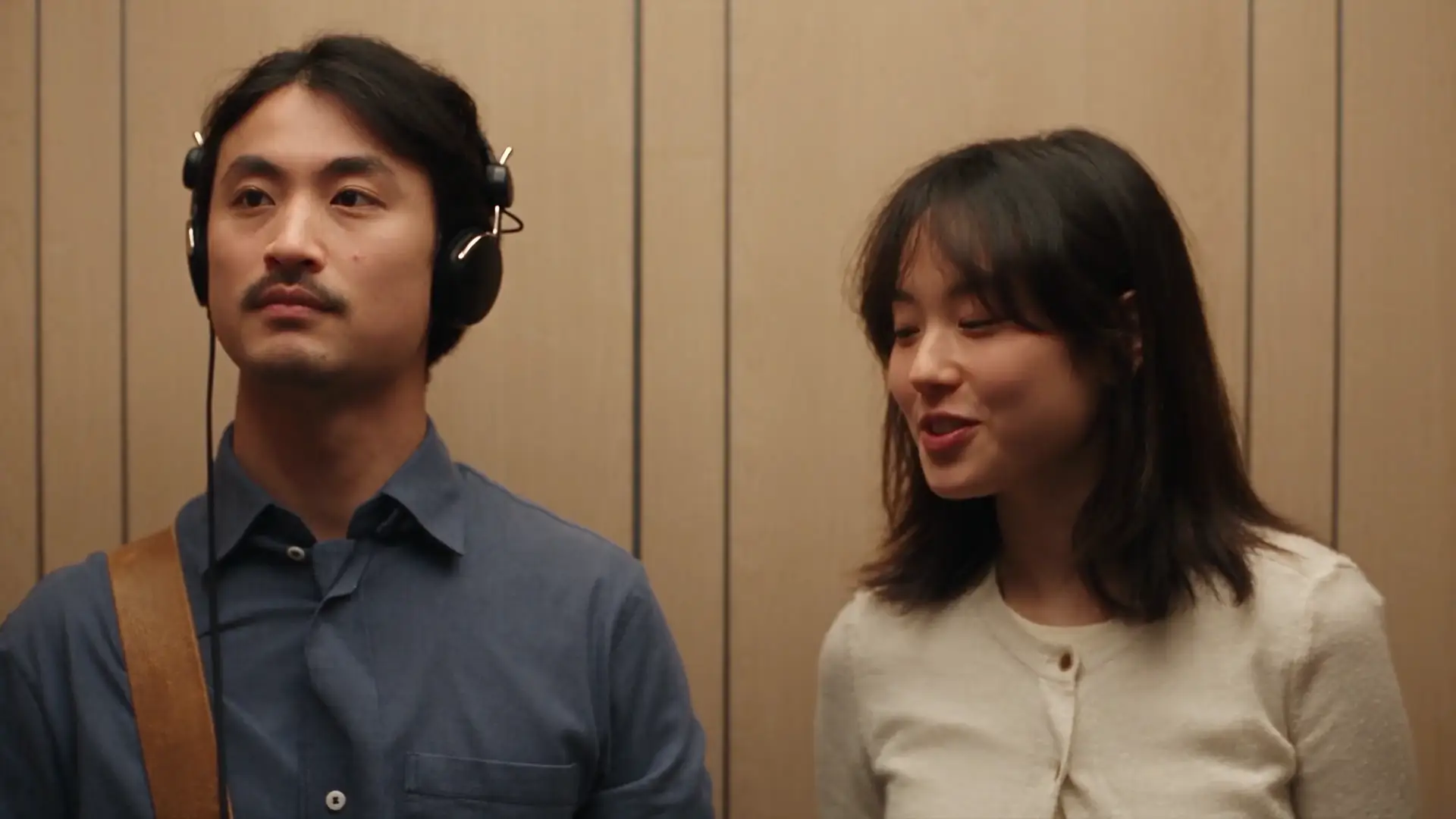 I Love The Smiths AITwo-photo elevator conversation
A prepared pass on the fixed scene. The room, camera and timing stay in place; the performer comes from the photo.
Example 1
A continuous 13-second vertical studio routine with hand accents, heart gesture and over-the-shoulder finale.
The history, the movement and the parts handled by the prepared template.
Short-form creators gravitated toward the nicole kidman dance trend because its charm comes from effortless poise rather than acrobatic tricks. Hair-brush flourishes, crisp chest-level hand accents, rhythmic hip drops, a quick heart gesture and a playful glance back over the shoulder make every second readable on a phone screen.
Because the entire sequence takes place at medium-close distance inside a bright studio, facial expression carries the routine. Viewers immediately recognize the confident smile, raised brows and relaxed shoulders that turned the clip into a viral template across TikTok and Reels.
Unlike fast multi-cut music videos or crowded outdoor clips, this prepared studio take keeps a single dancer centered on a locked tripod for all 13 seconds. Zero camera cuts, soft bokeh lights and clean separation from the neutral backdrop let the model preserve eyes, mouth shape and hairstyle cleanly.
Every beat follows the prepared sequence: the opening hair-tuck and open-palm sway lead into crisp hip accents and a centered hand-heart beat before finishing with a smooth side turn and direct eye contact back into the lens.
Upload one sharp, front-facing portrait of a single consenting adult with natural light across the face and shoulders. Keeping the hairline, eyes and clothing clearly visible gives the cleanest identity match from the opening gesture through the final over-the-shoulder glance.
Before video synthesis starts, the generator prepares a neutral studio identity sheet showing both a full-body view and a facial detail inset. That reference keeps clothing texture, neckline and proportions steady so your uploaded style never drifts midway through the 13-second clip.
The pale-curtained dance studio, warm wooden floor, soft string lights, framing distance and 13-second choreography remain fixed across every render. Your source photo never replaces the room or camera angle; it supplies only the performer.
Pick 720P for 100 credits or 1080P for 200 credits before generating. The prepared template soundtrack is merged into the finished vertical MP4 automatically so you can review lip timing, motion and sound in one pass. When sharing your nicole kidman dance video publicly, disclose AI generation wherever platform guidelines require it.
Zero hard cuts and bright, even studio lighting keep facial identity steady from the first second to the closing glance.
Hair flourishes, crisp arm accents, the centered hand-heart gesture and the over-the-shoulder turn follow the prepared timing.
A neutral multi-view identity reference preserves your face, hair, skin tone and clothing without carrying over your photo background.
Template audio is merged automatically into the 13-second 9:16 export for immediate download to TikTok, Reels or Shorts.
The template is the fixed part. Your photo is the only variable.
Add a sharp, front-facing portrait of one consenting adult with unobstructed face and visible clothing.
Pick your preferred HD quality after checking the credit cost displayed in the generator panel.
Review your finished 13-second nicole kidman dance clip with audio enabled, then save the vertical MP4.
Common questions about the Nicole Kidman Dance AI trend and the template.
Other prepared AI video templates with the same upload-to-video workflow.
Upload your photos, choose the output, and let the prepared template handle the scene. No timeline and no prompt.