1 HD VideoRecommended
100 credits
$7.90
$7.90 per video
100 credits: 1 video at 720P
Enough for 1 video at 720P for 10 seconds.
Credits never expire. Failed generations refund unused credits.
Upload one clear portrait to star in a rumpelstiltskin dance ai clip with the barn hush gesture, wide-arm tip-toe skip, hay footwork insert and grinning finale.
Upload 1 clear photo, choose the resolution, and the prepared template supplies the scene, camera and timing.
The scene, camera and timing stay fixed.
Each one is a prepared scene with its own upload flow.
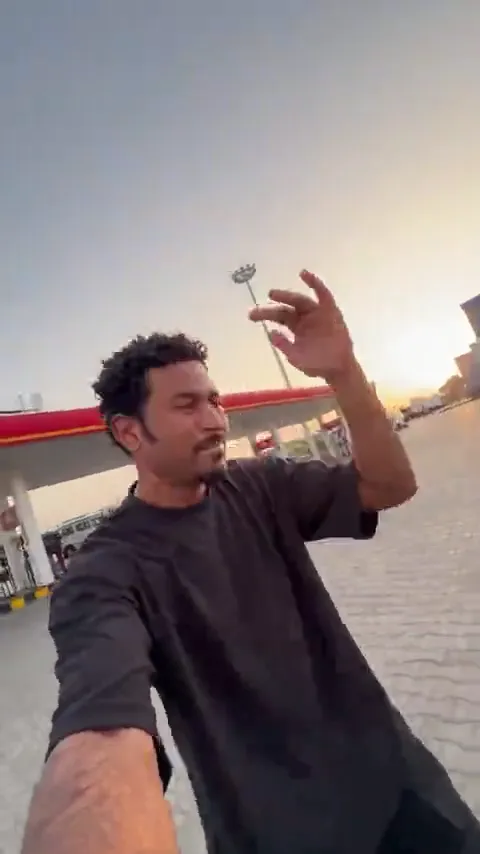 Gas Station DanceGas Station Dance AI
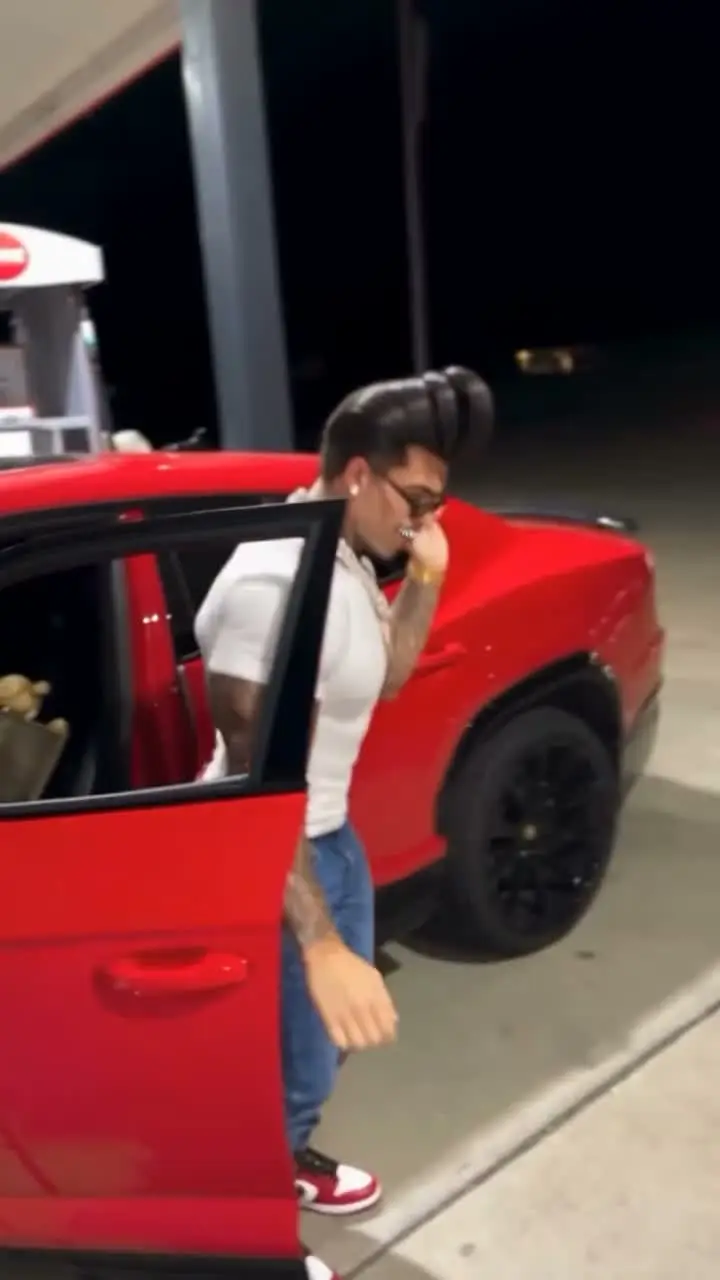 Mop Dance AIMop Dance AI
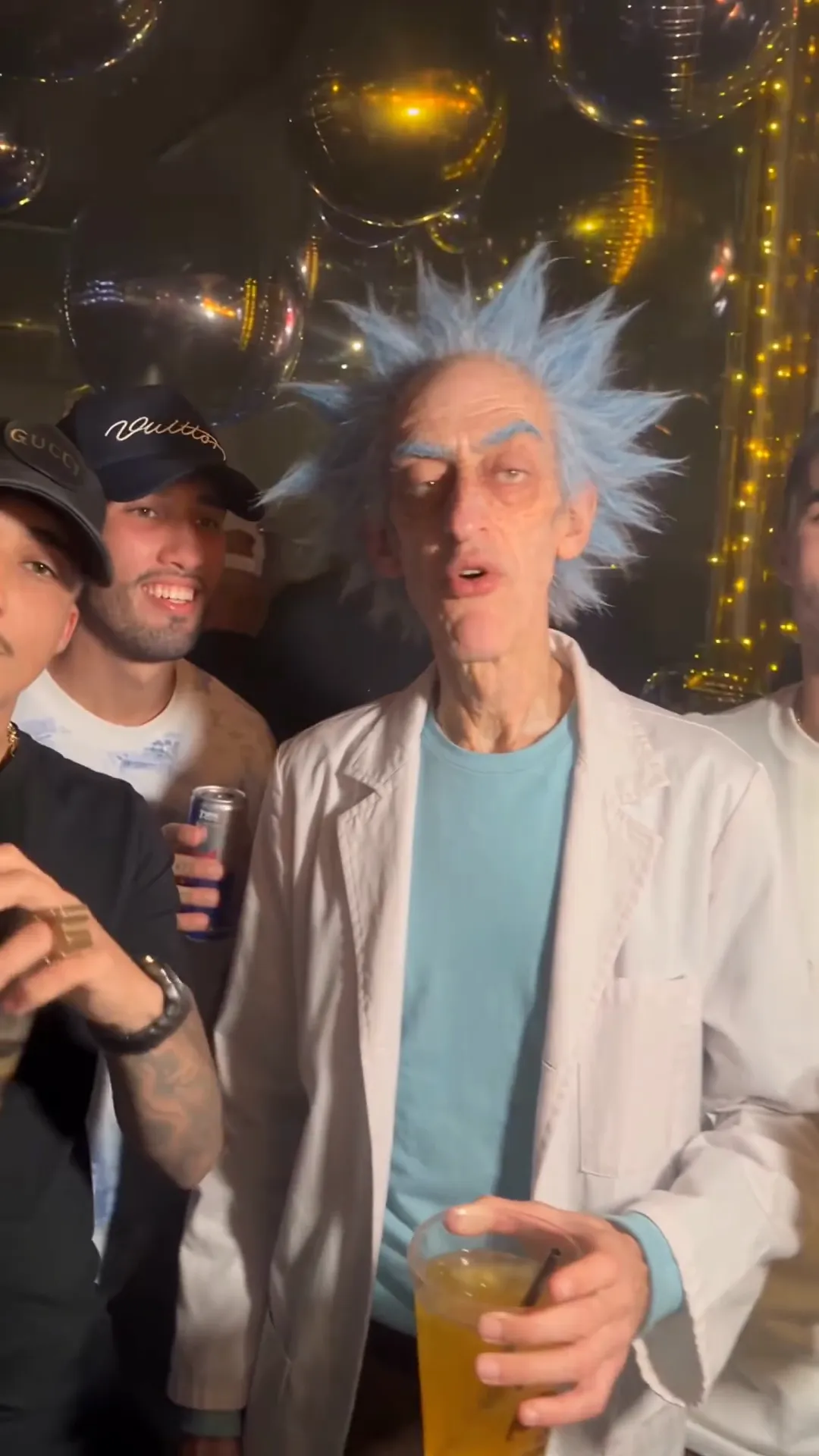 Maior Lazer AIMaior Lazer AI funk party
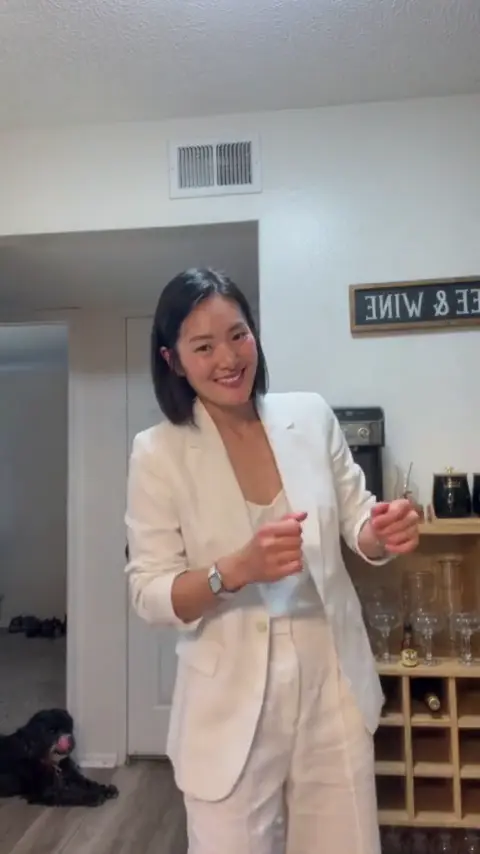 Dame Hombro AIDame Hombro AI shoulder dance
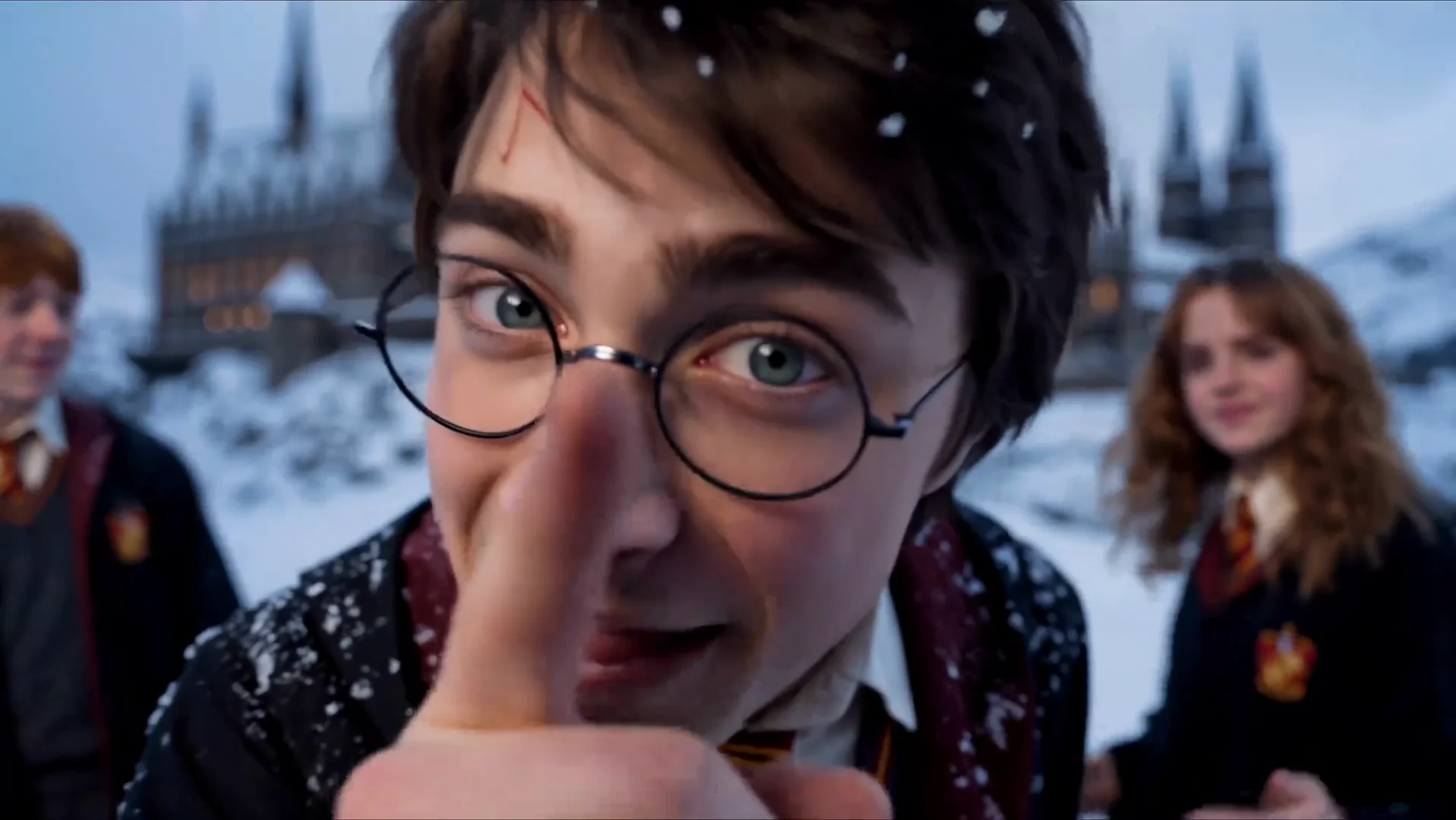 Gangnam Style AIGangnam Style AI trio
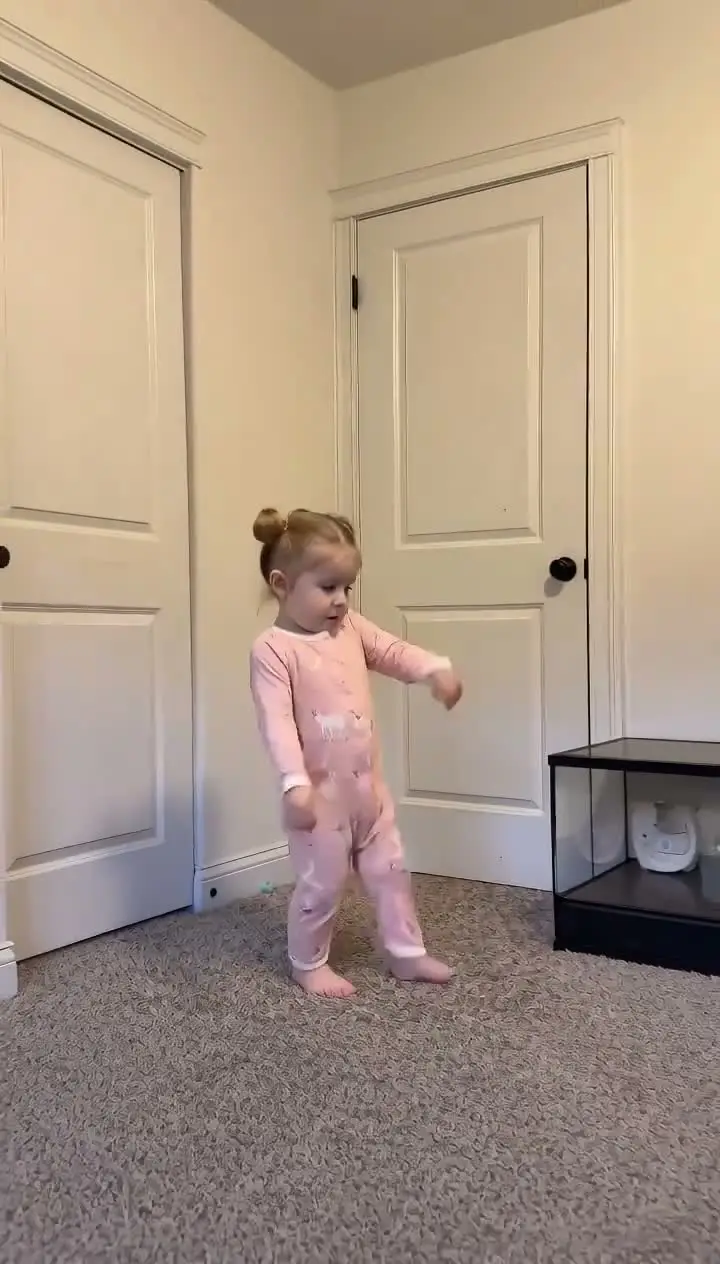 Toc Toc DanceToc Toc Dance AI
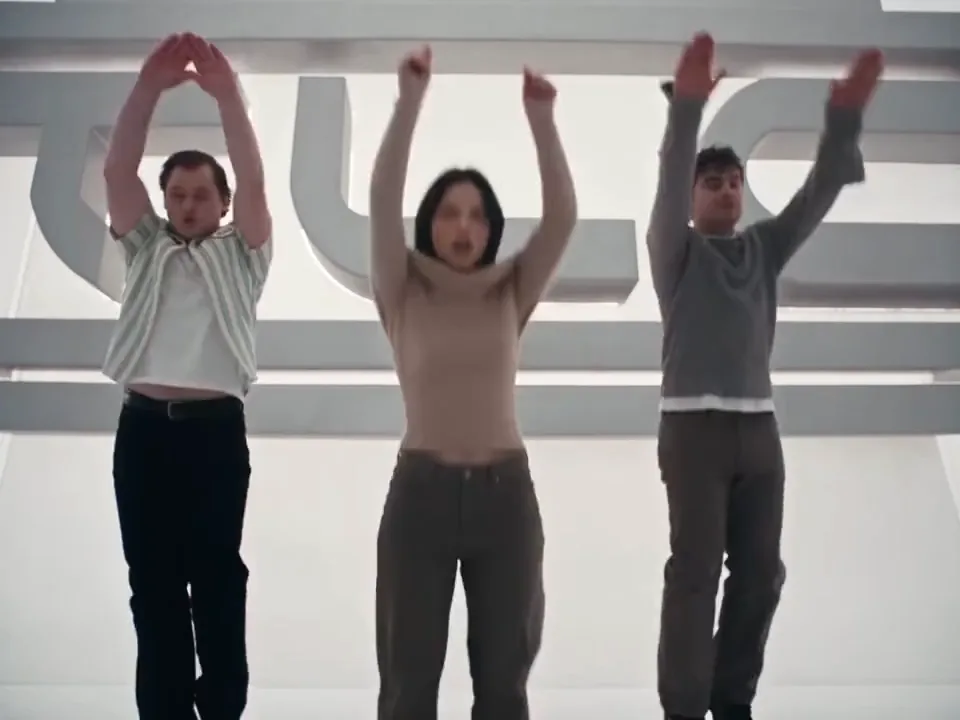 No Scrubs AINo Scrubs AI white-studio trio
 Jawn Dance AITwo-template dance generator
 Dance With Santa AIHoliday duet template
 Nicole Kidman Dance AIStudio solo dance template
 I Love The Smiths AITwo-photo elevator conversation
A prepared pass on the fixed scene. The room, camera and timing stay in place; the performer comes from the photo.
Example 1
The 10-second vertical barn tip-toe sequence with hush pose, wide skip, straw footwork insert and smiling close-up.
The history, the movement and the parts handled by the prepared template.
The fairytale trickster strut became an overnight short-form punchline because the comedic rhythm needs zero subtitles. A mischievous hush beside a haystack, a shocked reaction beat, wide-armed tip-toe skipping across straw and a triumphant grin at the lens turn a tiny moment into instant visual comedy.
Viewers pair the clip with playful sneaking captions, payday jokes and remix audio like tip-toeing tracks. What separates a memorable rumpelstiltskin dance ai clip from a generic animated portrait is that every camera cut lands on the exact comedic beat instead of drifting into improvised steps.
Instead of writing long scene descriptions, you provide one photo and let the fixed edit handle the choreography. The opening beat frames your subject crouched beside hay bales holding one finger to the lips. A brief reaction insert holds the setup before cutting wide across the wooden barn.
In the center sequence, your character springs up with both arms stretched wide and skips briskly toward the lens across loose straw. A tight low-angle insert highlights the alternating tip-toe steps before the final close-up locks onto an excited smile to close the 10-second edit.
A sharp, evenly lit front-facing photo gives the cleanest facial match across both the wide barn run and the tight closing grin. Keep eyes, mouth, hairline and outfit unobstructed so the subject stays recognizable when moving quickly toward camera.
Before video rendering begins, the workflow builds a neutral multi-view identity reference combining a full-body silhouette with a facial detail inset. That extra step stabilizes trousers, shoes and proportions during the low-angle hay footwork shot so the cast member stays consistent from head to toe.
The dark timber beams, stacked round hay bales, scattered straw floor, overhead light shafts and rapid cut sequence stay identical across renders. Only the starring dancer changes to match the uploaded portrait, while the short reaction cutaway stays intact to preserve the joke.
Choose 720P or 1080P after reviewing the credit cost displayed beside the button. Template audio is merged back into the finished file automatically so you can preview with sound and export directly. When posting a rumpelstiltskin dance ai edit publicly, follow platform synthetic-media labels and use only photos you have permission to animate.
Upload one clear portrait of yourself or a consenting adult. Your face, hairstyle, build and outfit replace the starring dancer across every beat.
The hush pose, reaction cutaway, barn tip-toe run, straw footwork close-up and smiling finish stay locked to the original pacing.
A neutral full-body reference sheet keeps clothing length and footwear coherent from the wide skip into the close-up foot shot.
Every export delivers a 10-second 9:16 clip with template sound merged in so it is ready to share right after preview.
The template is the fixed part. Your photo is the only variable.
Pick an unobstructed, front-facing photo with clear lighting and visible clothing for the starring dancer.
Check the credit cost for your preferred HD resolution before launching the rumpelstiltskin dance ai task.
Review facial likeness, timing and sound in the built-in player, then download your 10-second vertical MP4.
Common questions about the Rumpelstiltskin Dance AI trend and the template.
Other prepared AI video templates with the same upload-to-video workflow.
Upload your photos, choose the output, and let the prepared template handle the scene. No timeline and no prompt.